Just one ink
Ink Black brings the shapes and light-and-dark relationships to the foreground.
 almost matter
03 / A botanical note
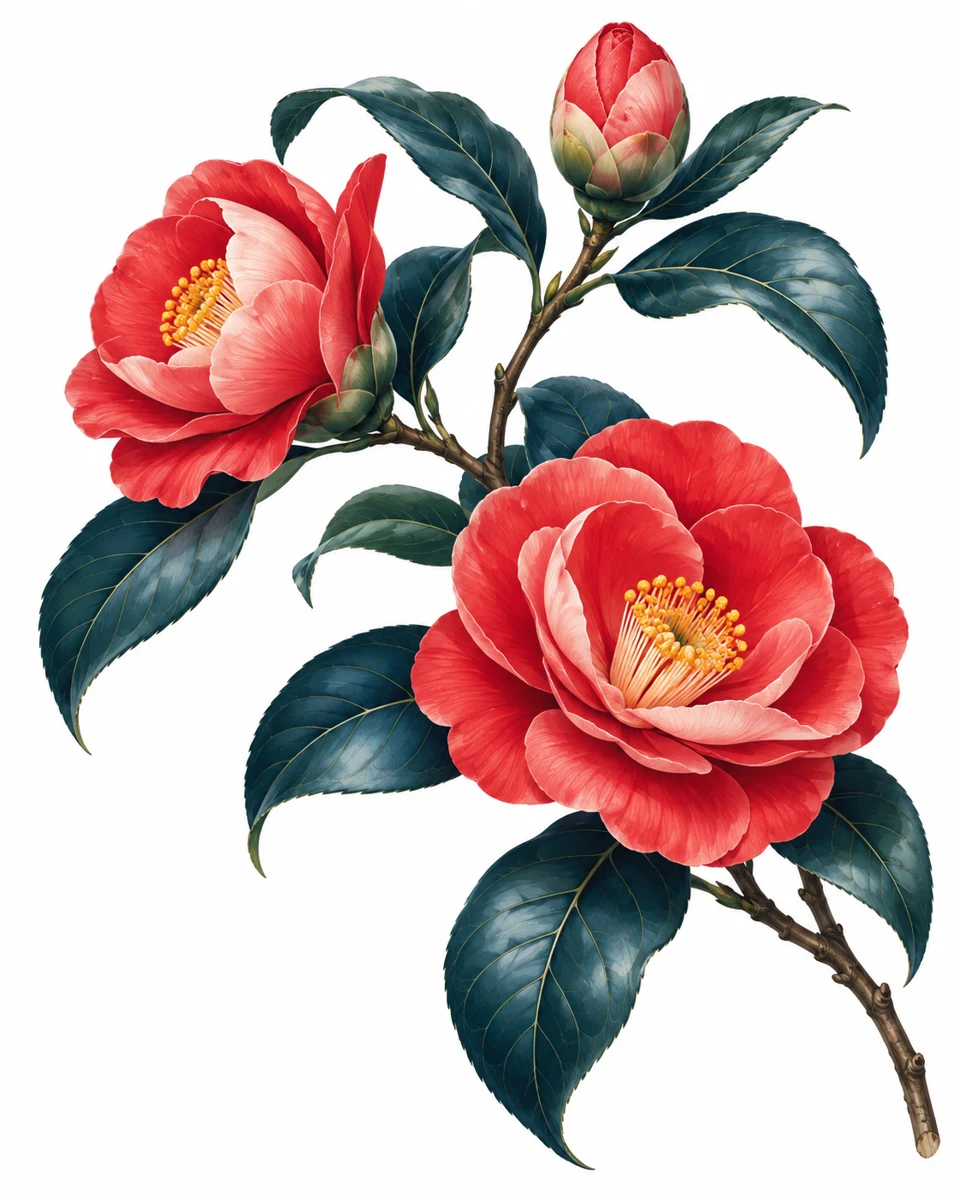
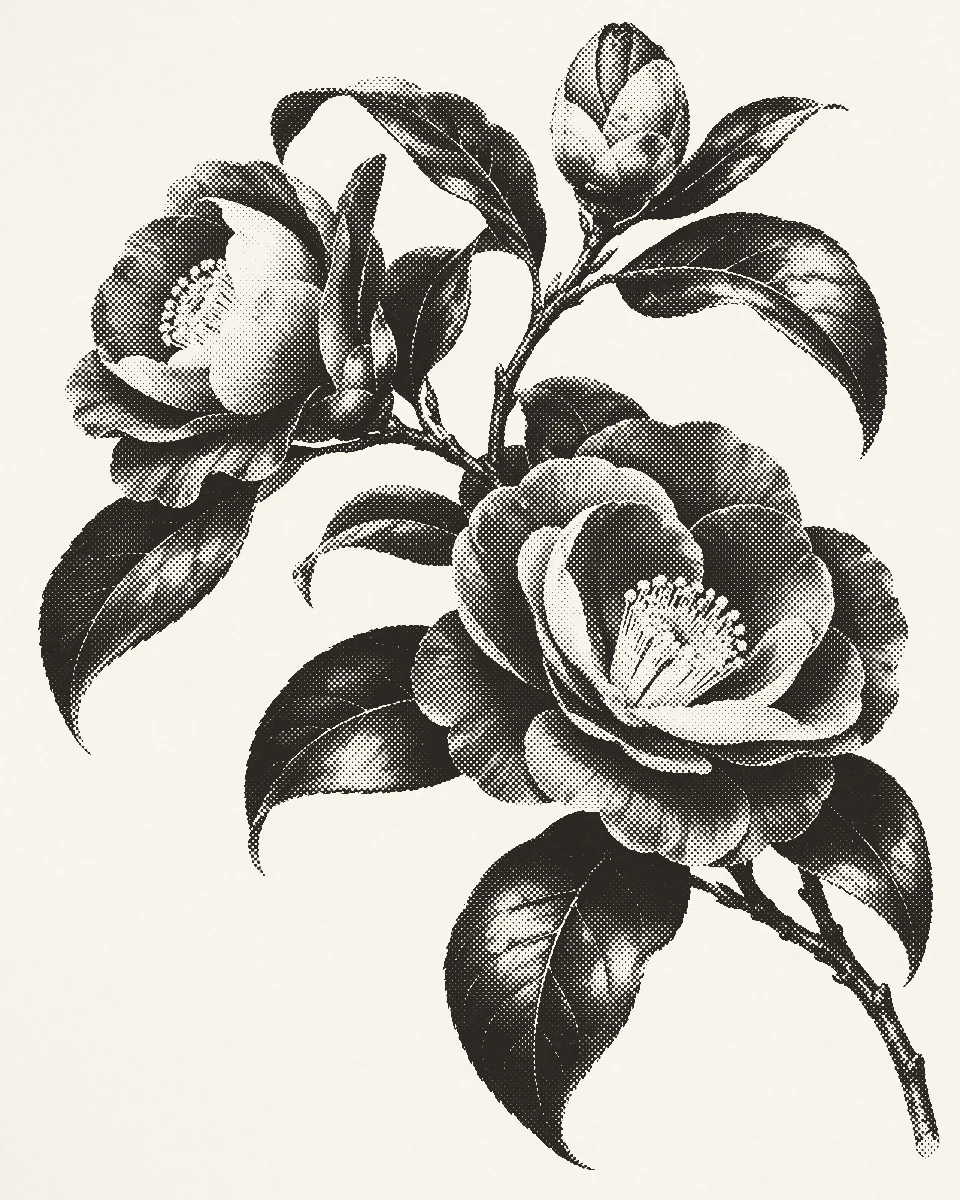
A flower, just because. / Pressed
Make a small botanical illustration feel like a printed keepsake. Mono Black keeps the palette simple so the petals and leaves can speak.
Free preset · Mono Black
The inks
INK / PAPER / MARK
The character of this print comes from the ink, the paper, and the marks between them.
Ink Black brings the shapes and light-and-dark relationships to the foreground.
The white base keeps the composition crisp and leaves space for your own handwritten words.
Round halftone gives the illustration a tactile-looking finish without adding another color.
YOUR TURN / Mono Black
Use the same recipe on a photo or illustration of your own.
Download recipeThis example uses a free preset. Keep its settings for free-preset exports. Custom inks and other Plus features have their own purchase requirements.
Download the .pressed file to Files on your iPhone or iPad.
Open the saved file, or use Share and choose Pressed. Install the app first if you need it.
Apply the recipe to your image, then save a JPEG or PNG from the app.
A little idea for the finished print
Print the exported artwork, leave some space around it, and add a handwritten message. The recipe creates the image; arrange the note in your usual layout tool or on paper.
Thinking of you