
Press kit / InkWaltz
InkWaltz.
A little moving print.
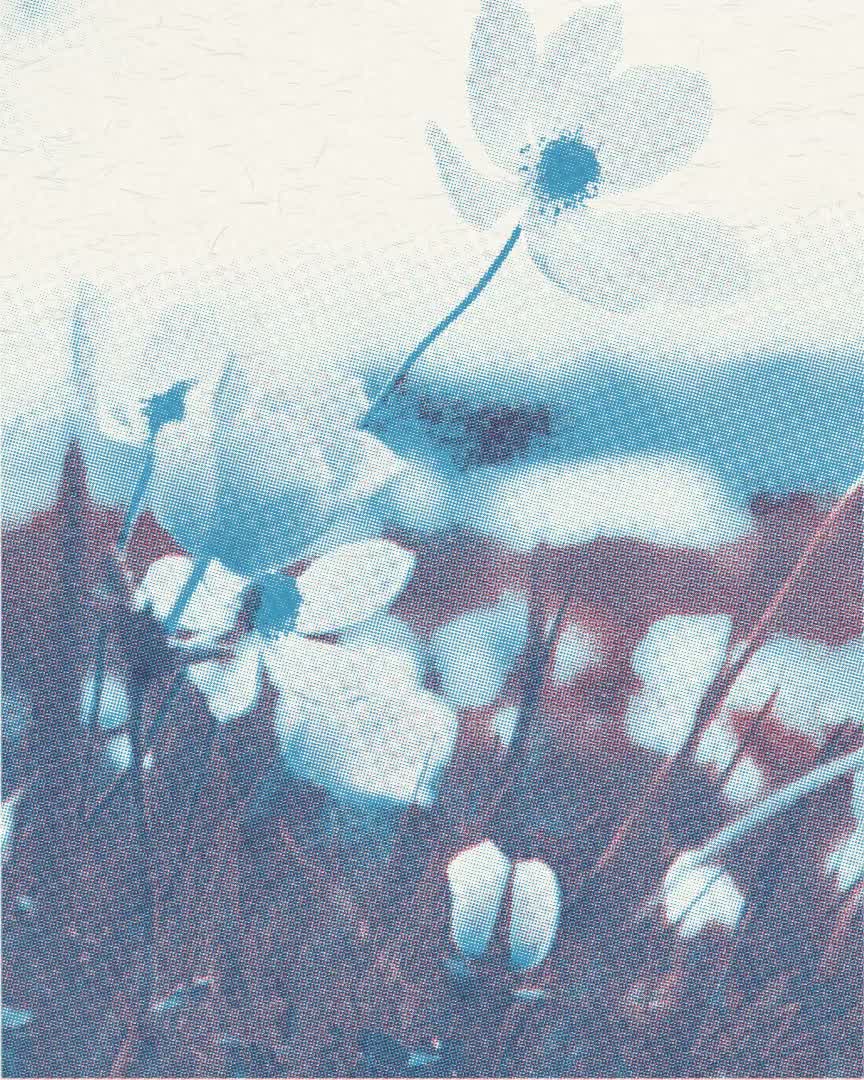
Moving ink / InkWaltz
A little moving print.
Turn a video from your camera roll into a little moving print. Choose a press, make the ink and paper your own, then shape the organic shimmer as you watch the result.
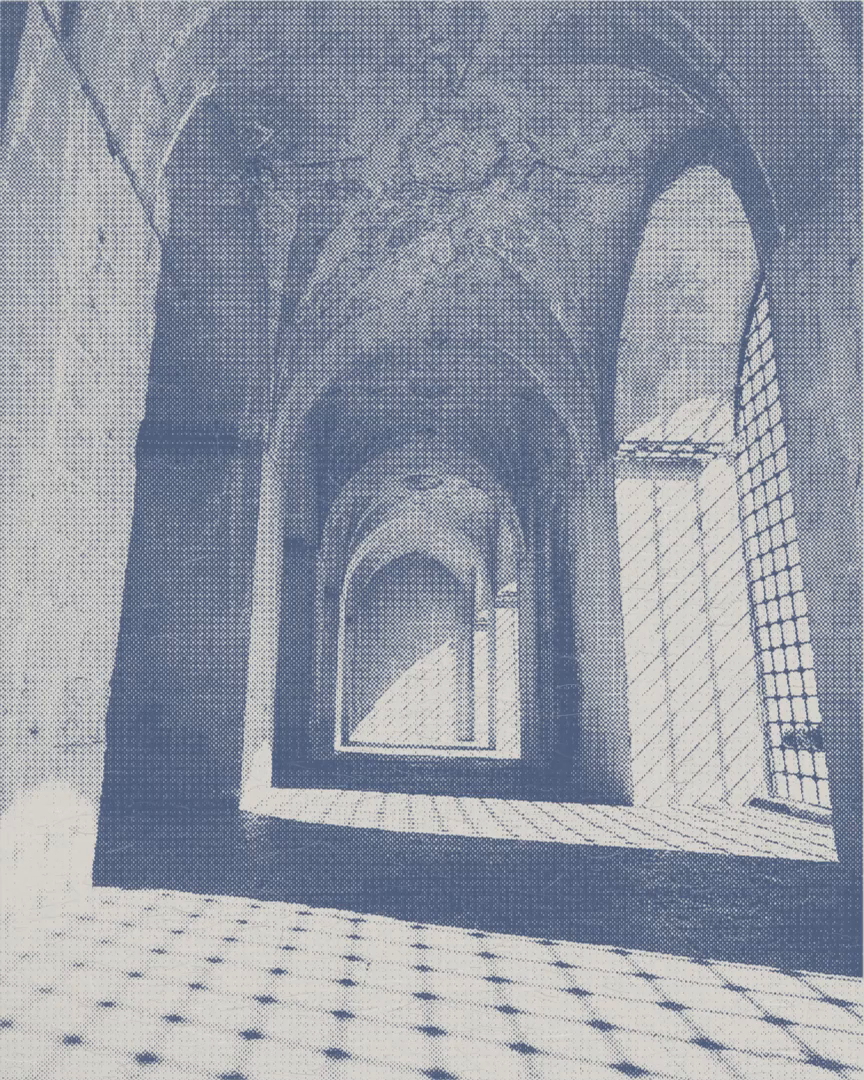
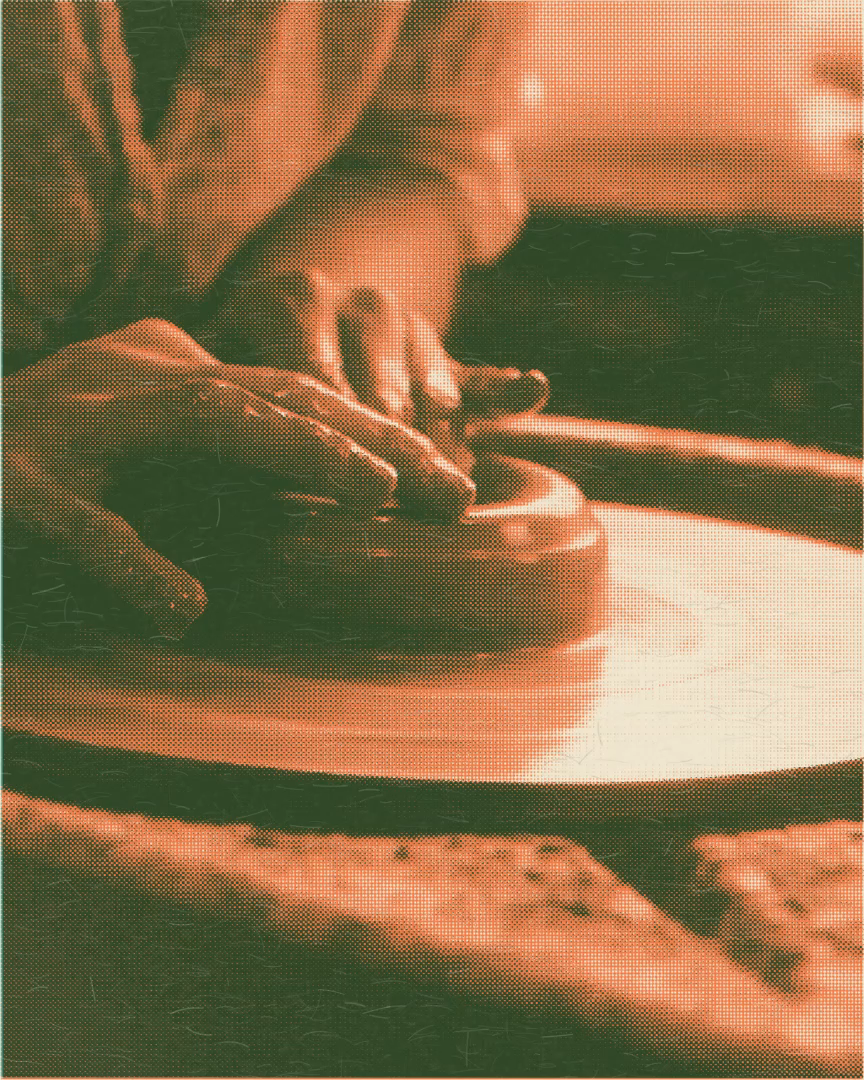
InkWaltz turns a clip from the camera roll into a little moving print. It brings the character of ink, paper, and organic shimmer to existing video, with the picture taking the largest role in the editing experience. Its appeal is in seeing a familiar moment move differently through a chosen print treatment. Four tools organize the work. Press supplies the starting look; Adjust changes its ink, paper, and light; Motion shapes shimmer, ink drift, paper variation, and texture pace; and Clip handles the selected section, framing, and source sound. Personal looks save appearance and motion together for use on another clip. The current app creates a new video from a section up to 30 seconds, with output choices shown before saving. InkWaltz is useful independently. Pressed adds an optional deeper workshop: a .pressed file exported from Pressed can be imported into All presses and applied locally. Each app has its own Plus purchase, and most imported-look exports use InkWaltz Plus. InkWaltz is available for iPhone and iPad.
- App
- InkWaltz
- Material
- Ink & movement
- Beginning
- Start with a video
- Devices
- iPhone, iPad
- Requirements
- iOS 18.0 / iPadOS 18.0
- Availability
- Available on the App Store. For iPhone and iPad.
- Purchases
- The current app includes free presses, editing and export with those looks, and one saved personal look. InkWaltz Plus is a one-time purchase for the full included collection, export with imported presses, and unlimited saved personal looks. Most imported looks require Plus for export. Pressed Plus is a separate purchase. Both tiers use the current clip-length and output-quality limits.
- Last reviewed
- 2026-09-21
Download resources
Ready for your introduction.
Download the image and information kit, or pick individual files. Films are available separately below.
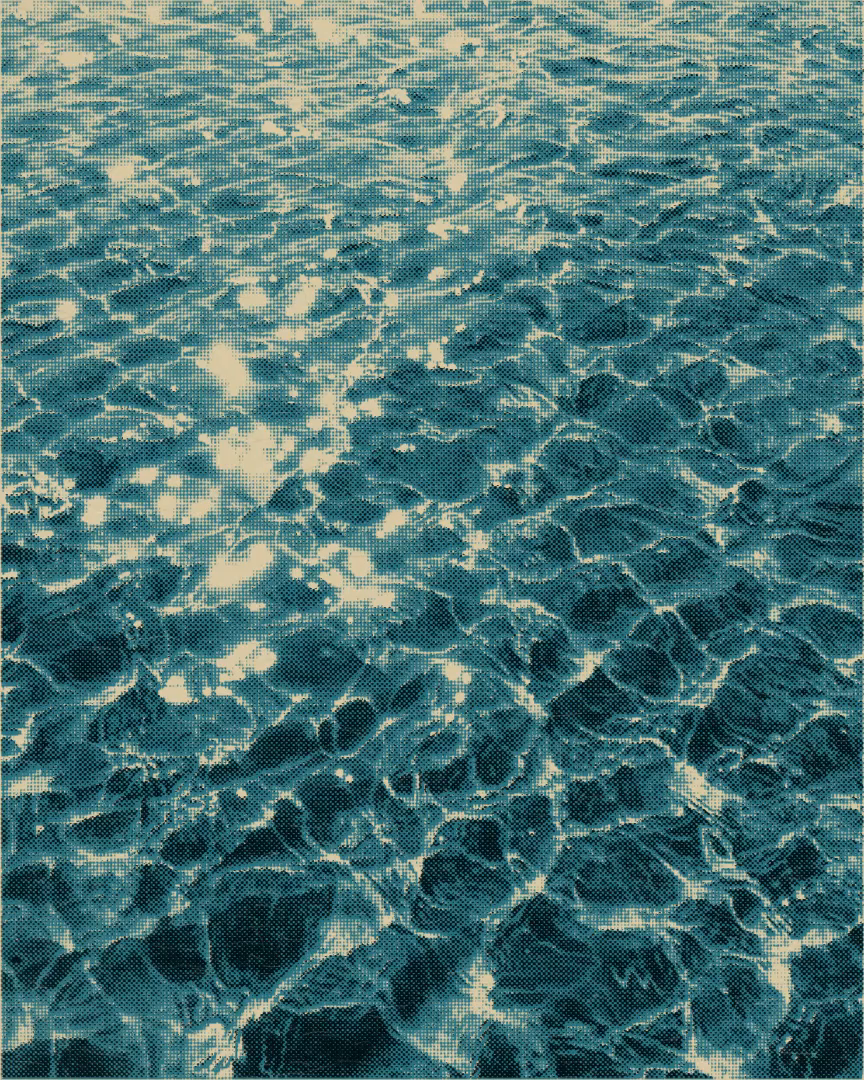
The app in use
A view inside InkWaltz.
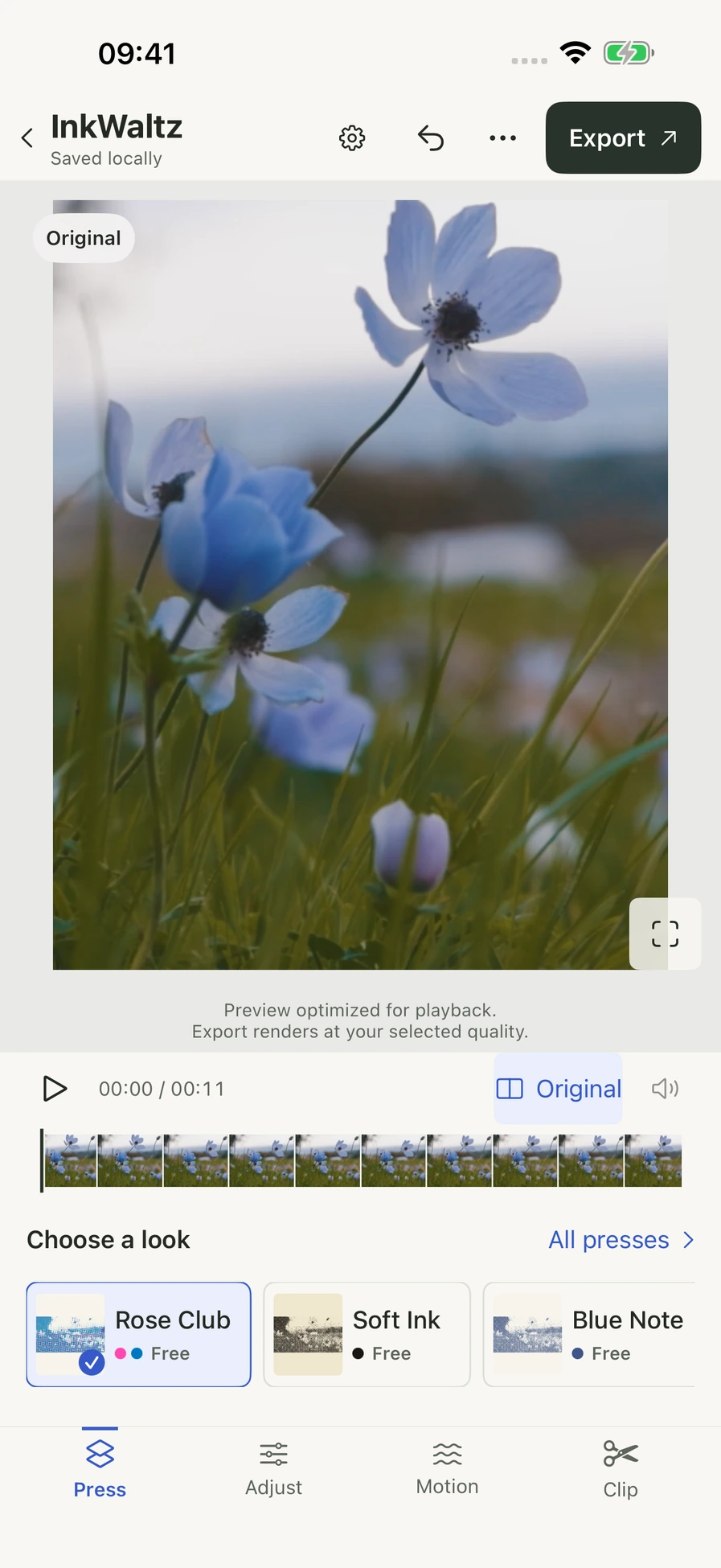
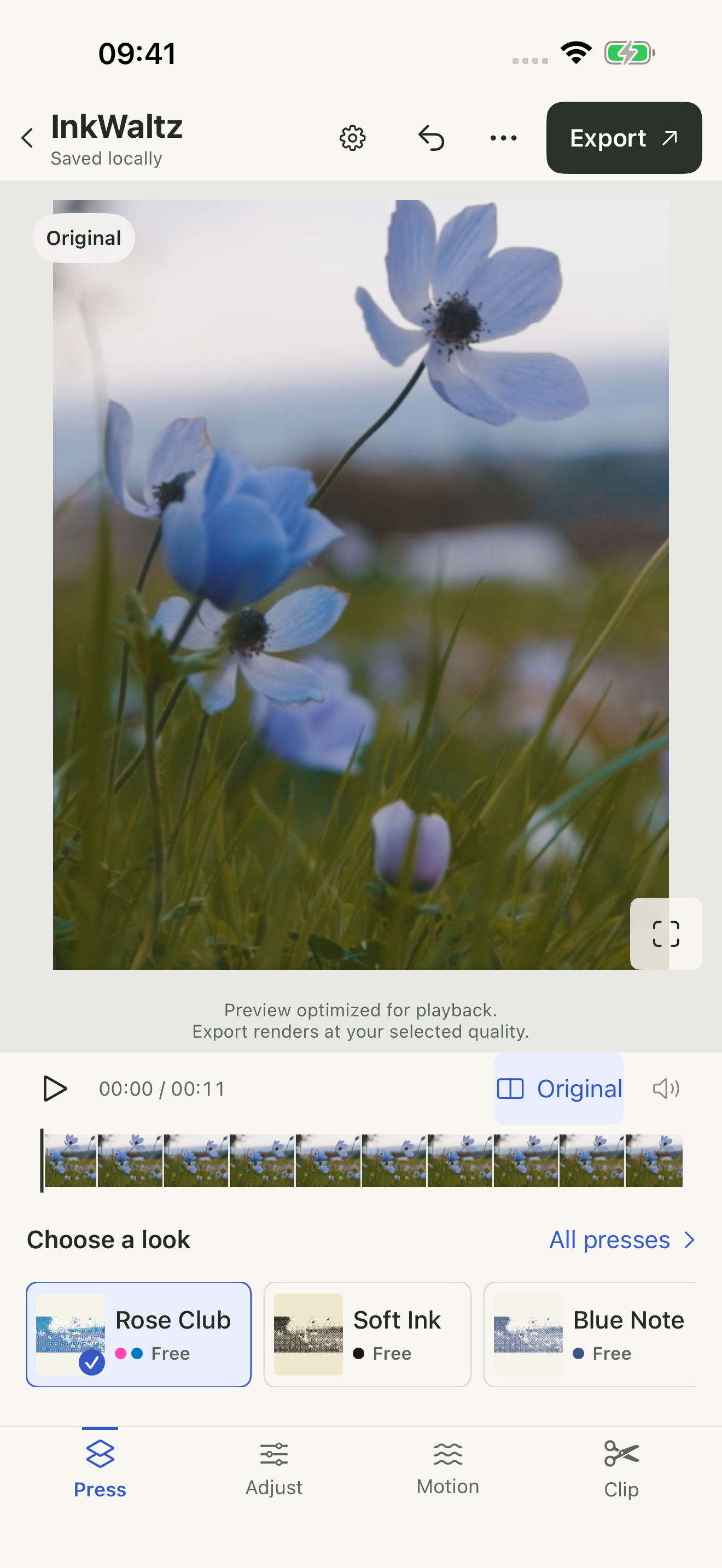
The editor displays the Original view and the clip timeline.
Download screenshotOriginal image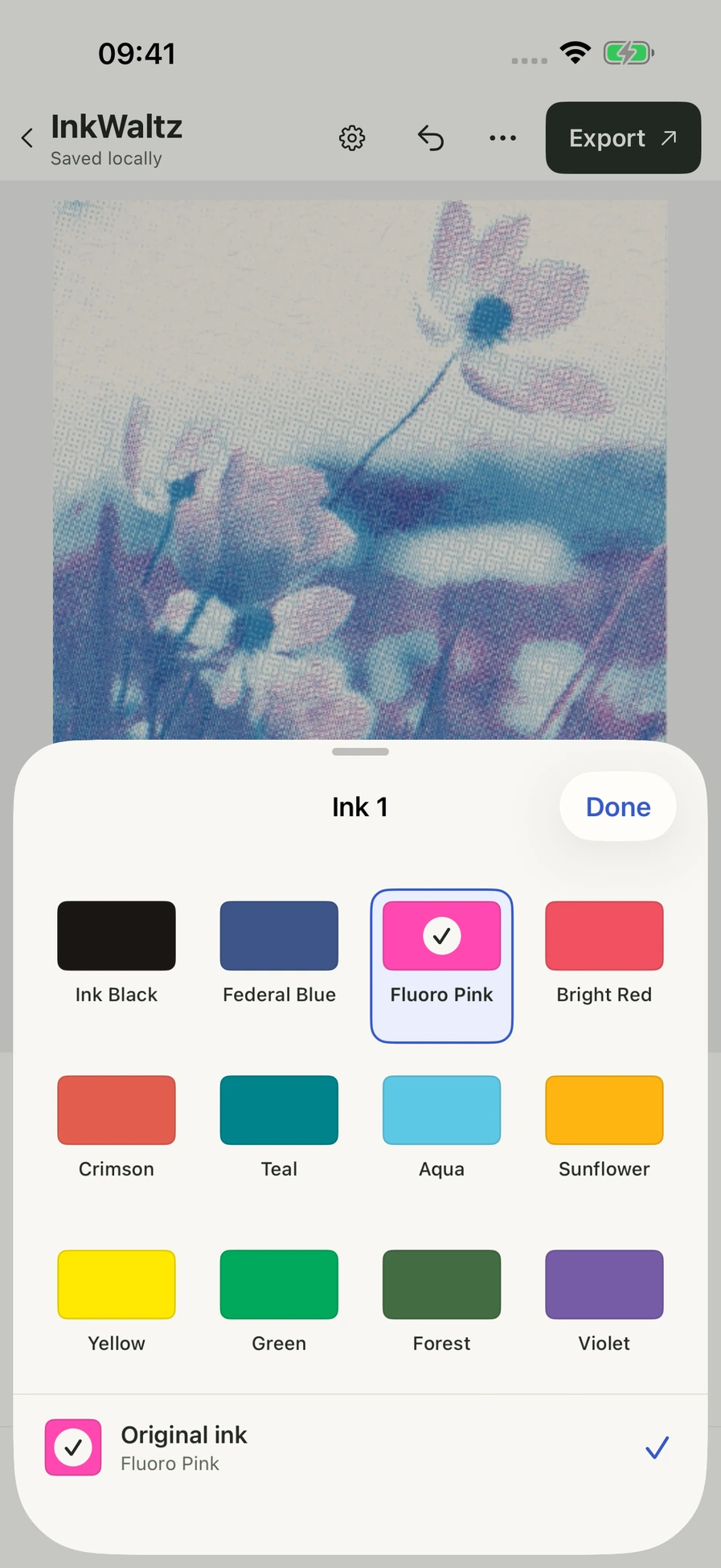
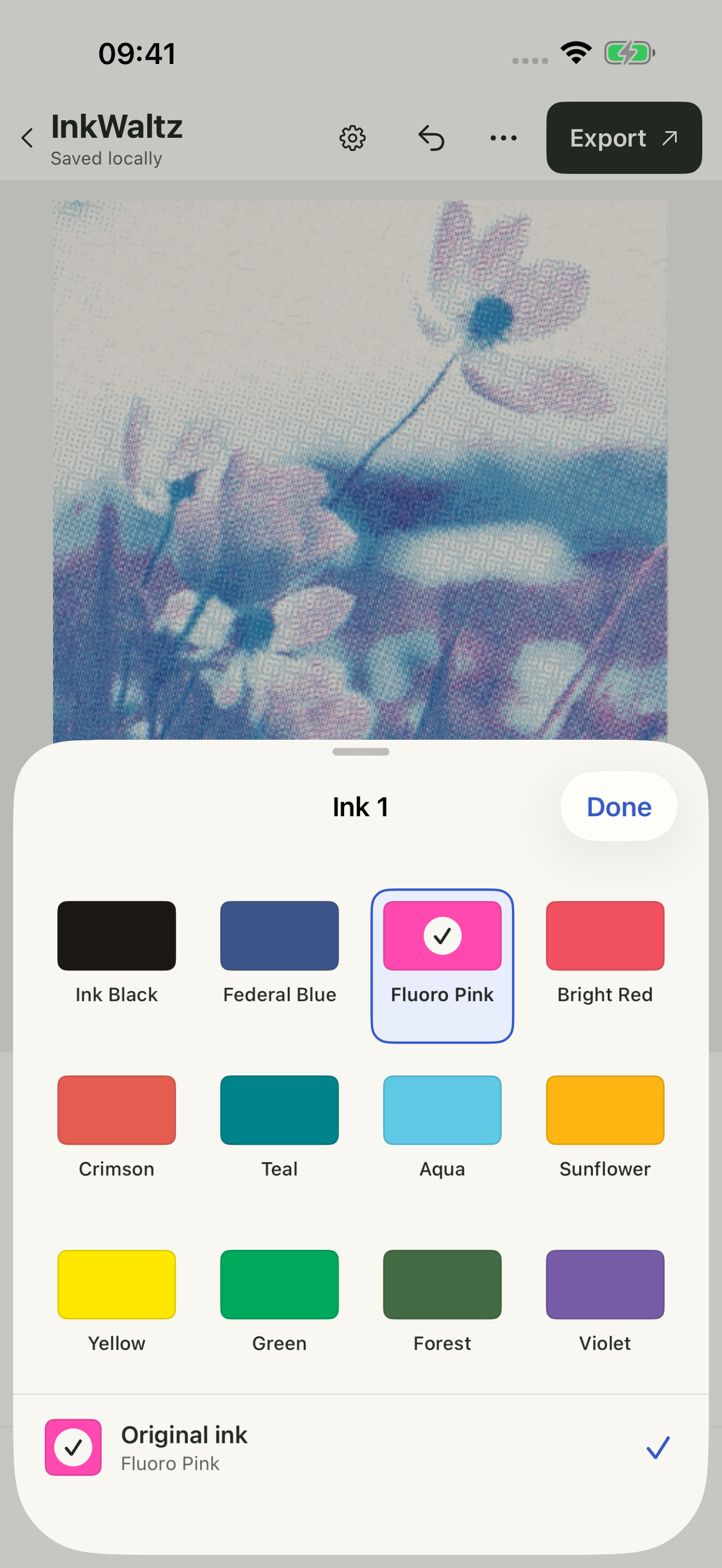
The palette lets you choose the first ink in the moving print.
Download screenshotOriginal image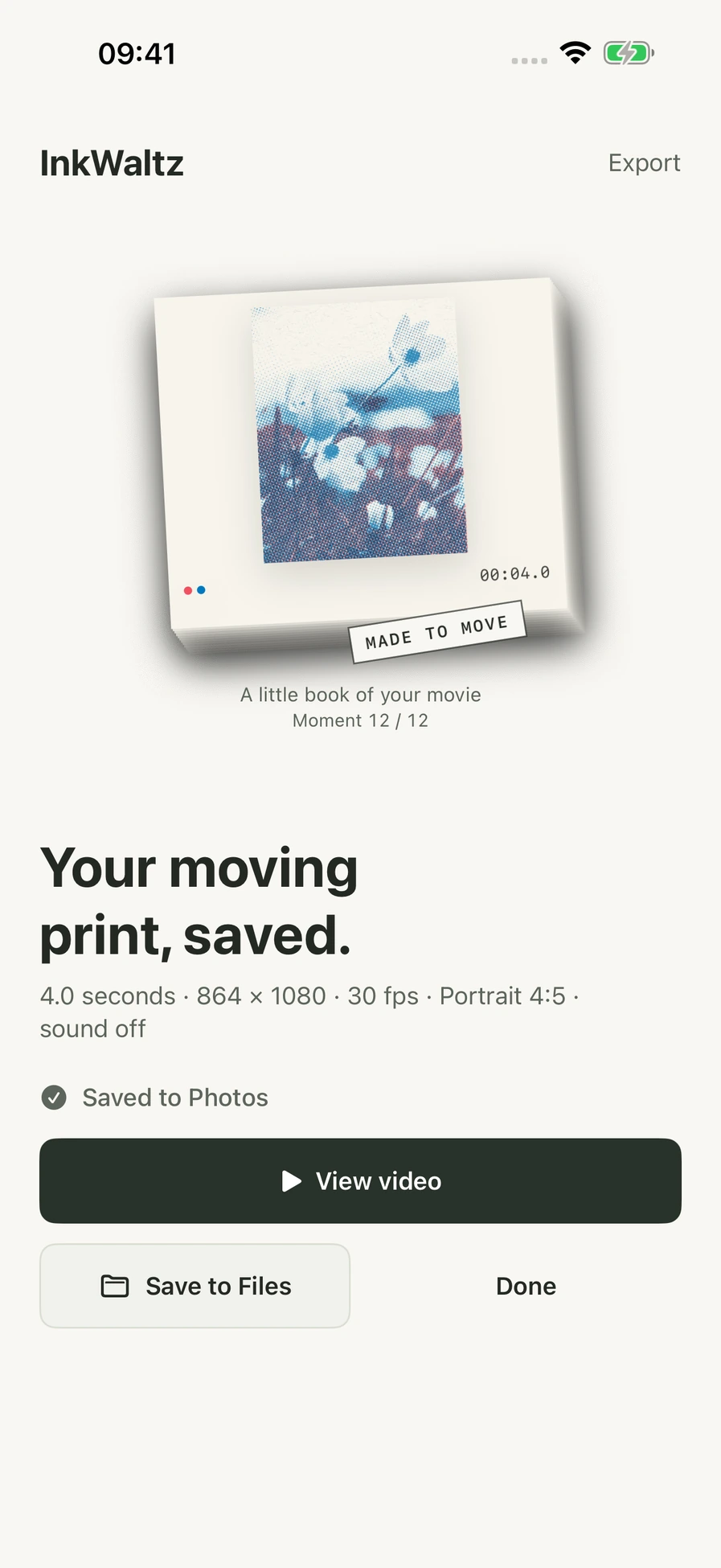
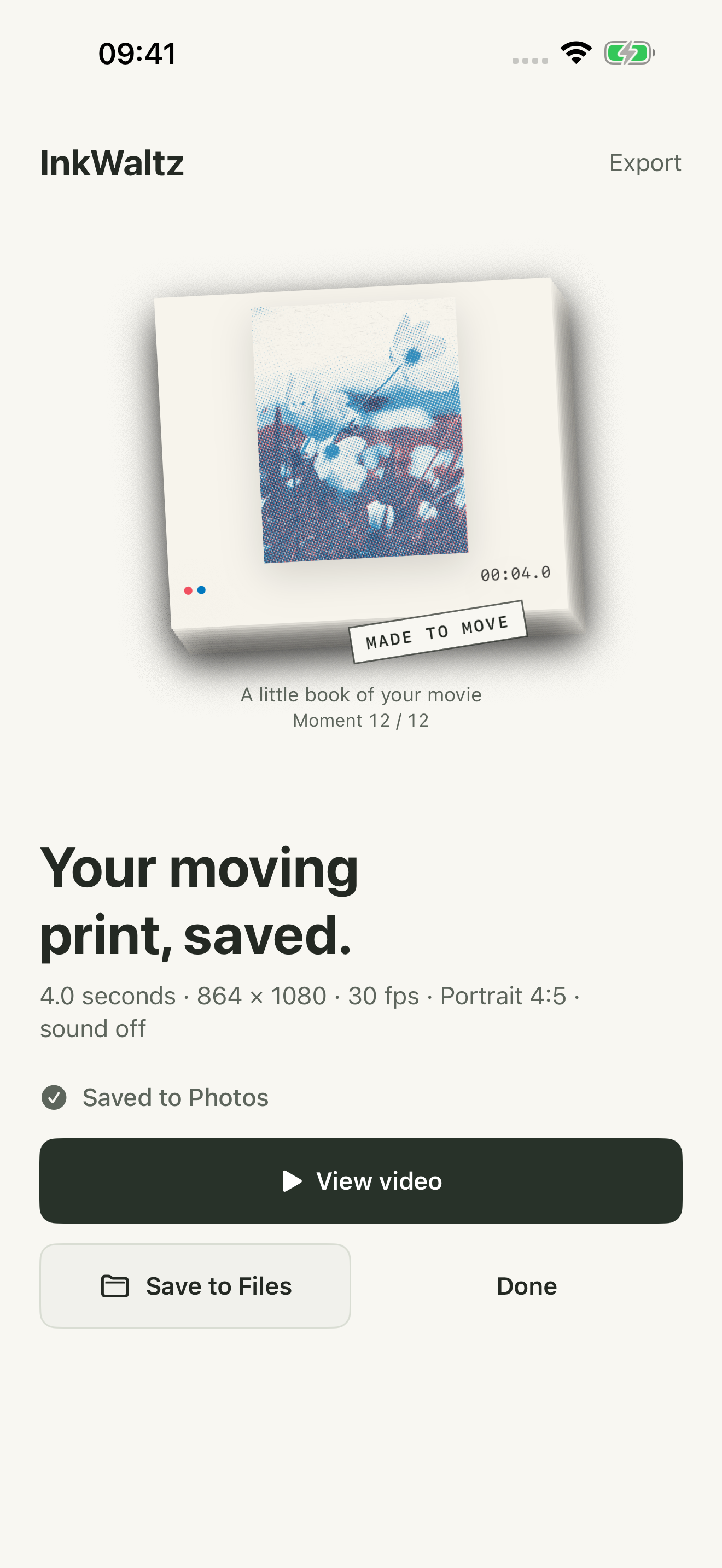
The completion screen confirms that this four-second example was saved to Photos.
Download screenshotOriginal imageViews from the app on iPhone. Layout and available controls may vary with device and version.
Credits & usage.
Credit artwork to Almost Matter studio and identify the app. Keep icons in their original proportions. A study name does not imply an included preset.
For uses beyond coverage of the app, contact us about permissions and available formats. See the notes in each kit for screenshot context.