
Press kit / Toned
Toned.
A darkroom in your pocket.
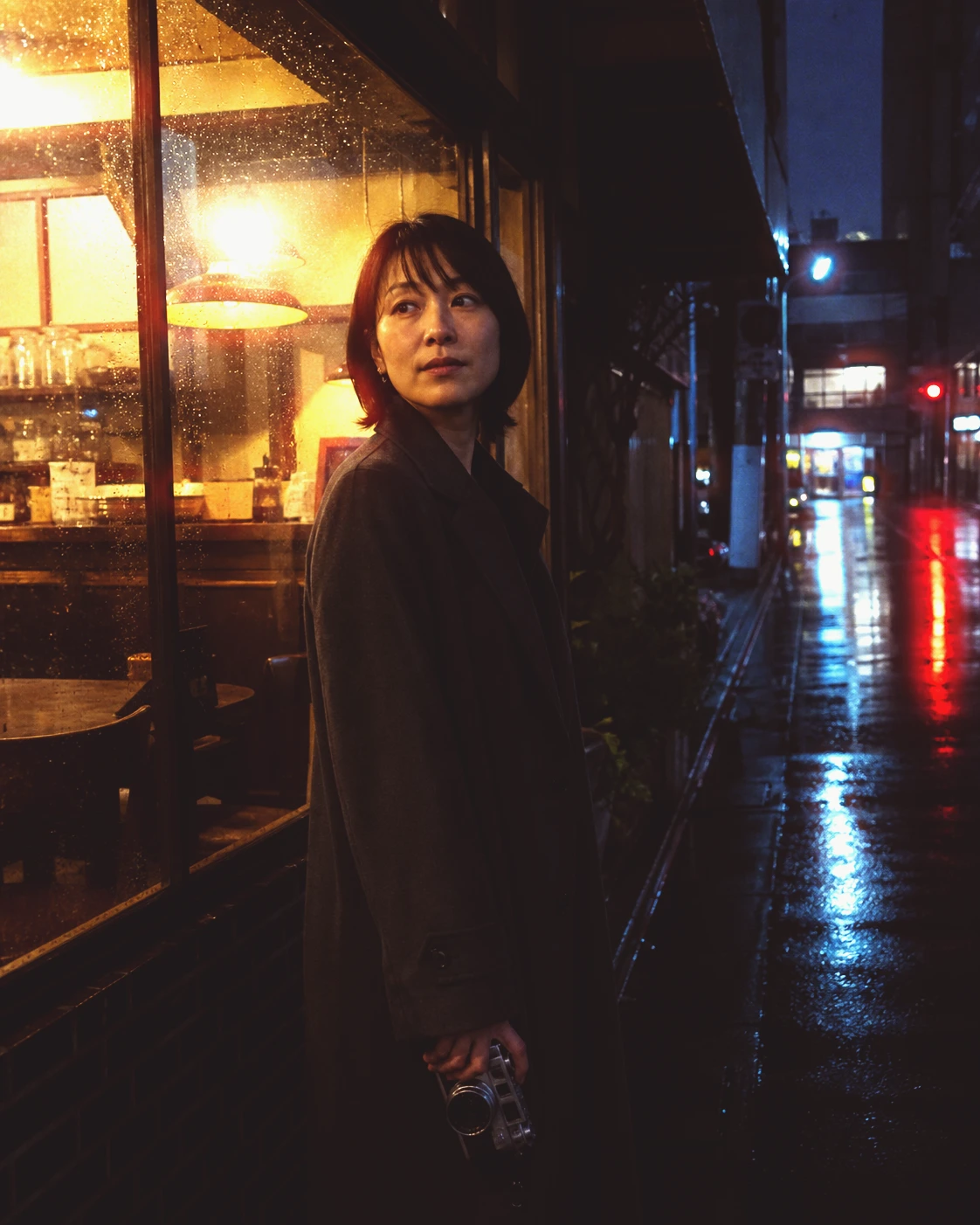
After the rain / Toned
A darkroom in your pocket.
Follow a photograph through film, development, and printing. Choose a stock, change how it develops, then find the paper, exposure, and tone that make the finished print yours.
Toned brings the photographic darkroom to an existing picture on your iPhone. Its creative journey moves from scene to negative to print, with film, development, and paper treated as connected decisions. The result is an invitation to explore how a photograph is made: choose the stock, change the development, and follow the image into the print. Film previews use the person’s own photograph. Develop includes Push and pull and process controls appropriate to the stock, while Print brings paper, exposure, contrast, and test strips into the workflow. Finishing choices such as toning and dodge and burn allow further shaping of the image. Toned also makes the intermediate stages worth keeping. Alongside the finished print, people can export a negative, film strip, a contact sheet that compares one photograph across the stock collection, or a seven-second clip of the photographic chain. Toned offers a free selection and an optional one-time Plus purchase for the complete collections, expanded controls, and full-size exports without its mark.
- App
- Toned
- Material
- Film & light
- Beginning
- Start with a photo
- Devices
- iPhone
- Requirements
- iOS 18.0
- Availability
- Available on the App Store. Use the App Store link to check availability for your country and device.
- Purchases
- Start free with a selection of film stocks, papers, and tools. Free exports carry a Toned mark and reach up to 3000 pixels on the long edge. Toned Plus is a one-time purchase for the complete stock, paper, toner, format, and print-size collections, split-grade printing, unlimited dodge-and-burn regions and kept frames, and exports at the available source resolution without the Toned mark. The app shows the current price before purchase.
- Last reviewed
- 2026-09-21
Download resources
Ready for your introduction.
Use the complete kit or pick the file you need.
The app in use
A view inside Toned.
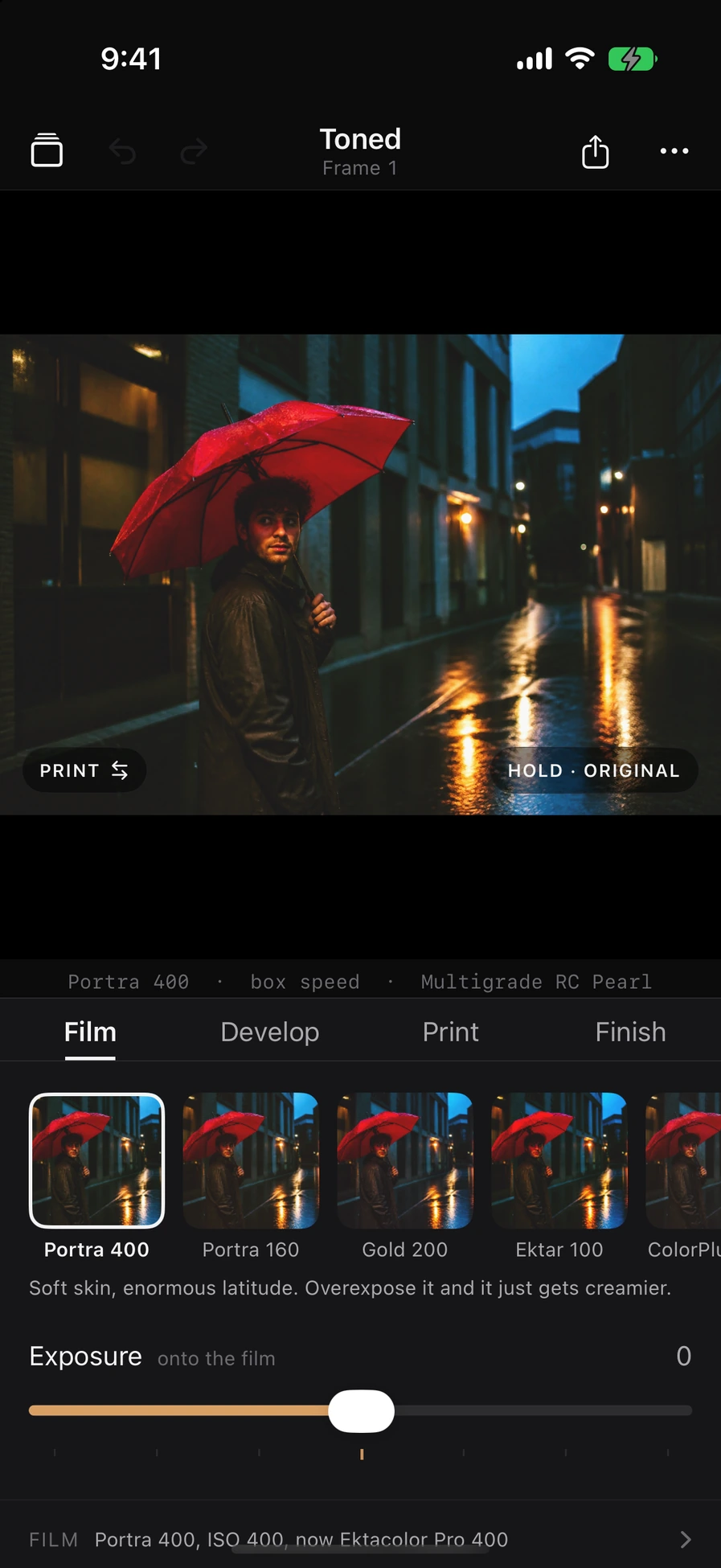
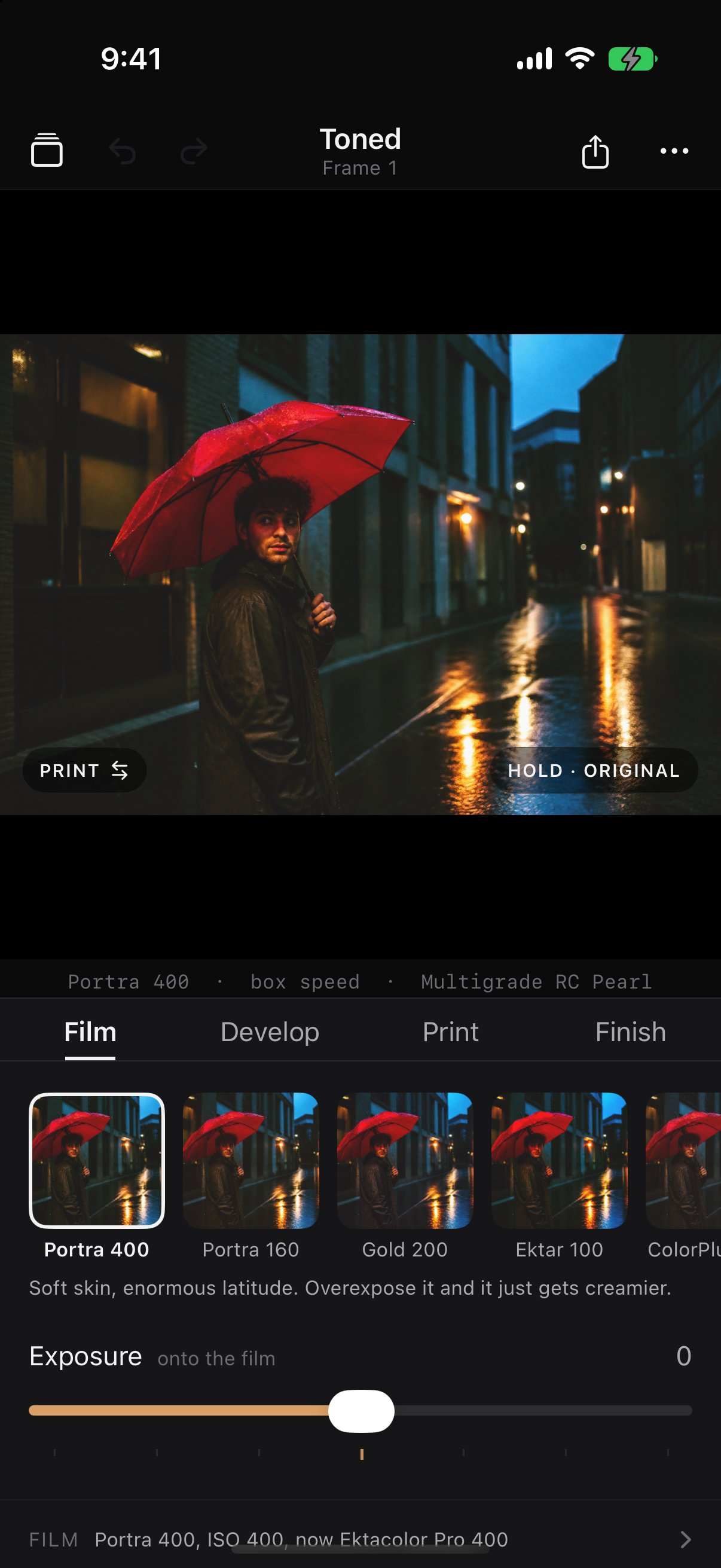
The Film stage shows film stocks and exposure for a red-umbrella street scene.
Download screenshotOriginal image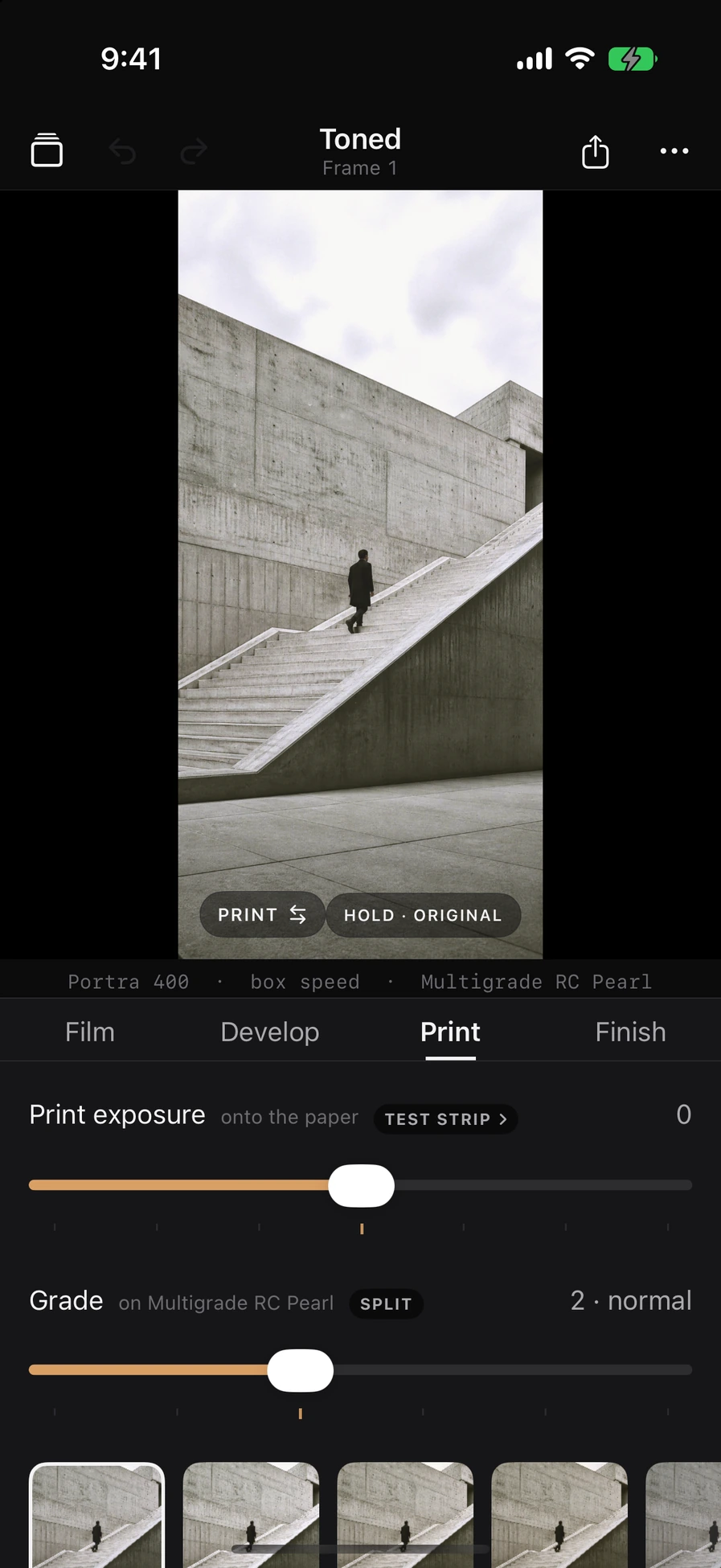
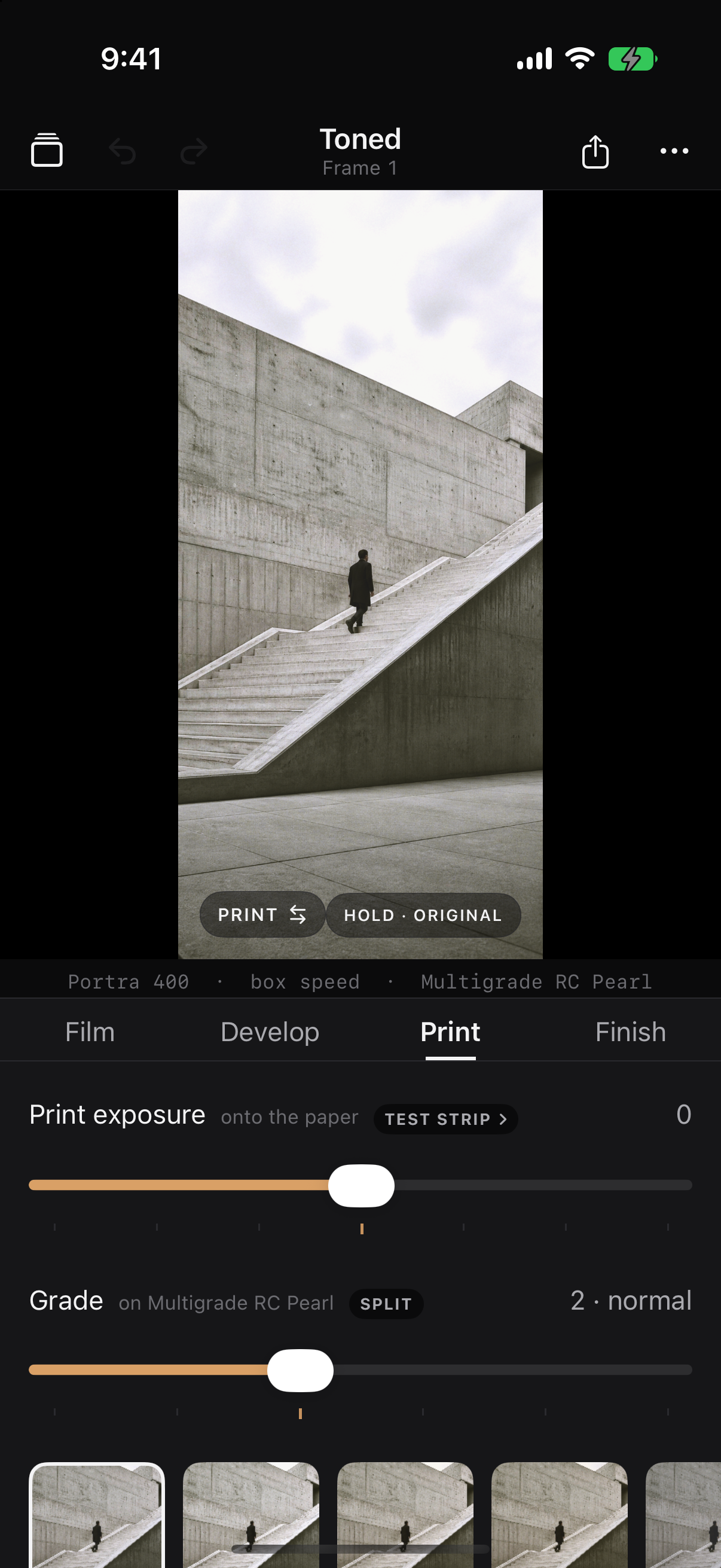
The Print stage shows paper, exposure and grade controls for an architectural scene.
Download screenshotOriginal image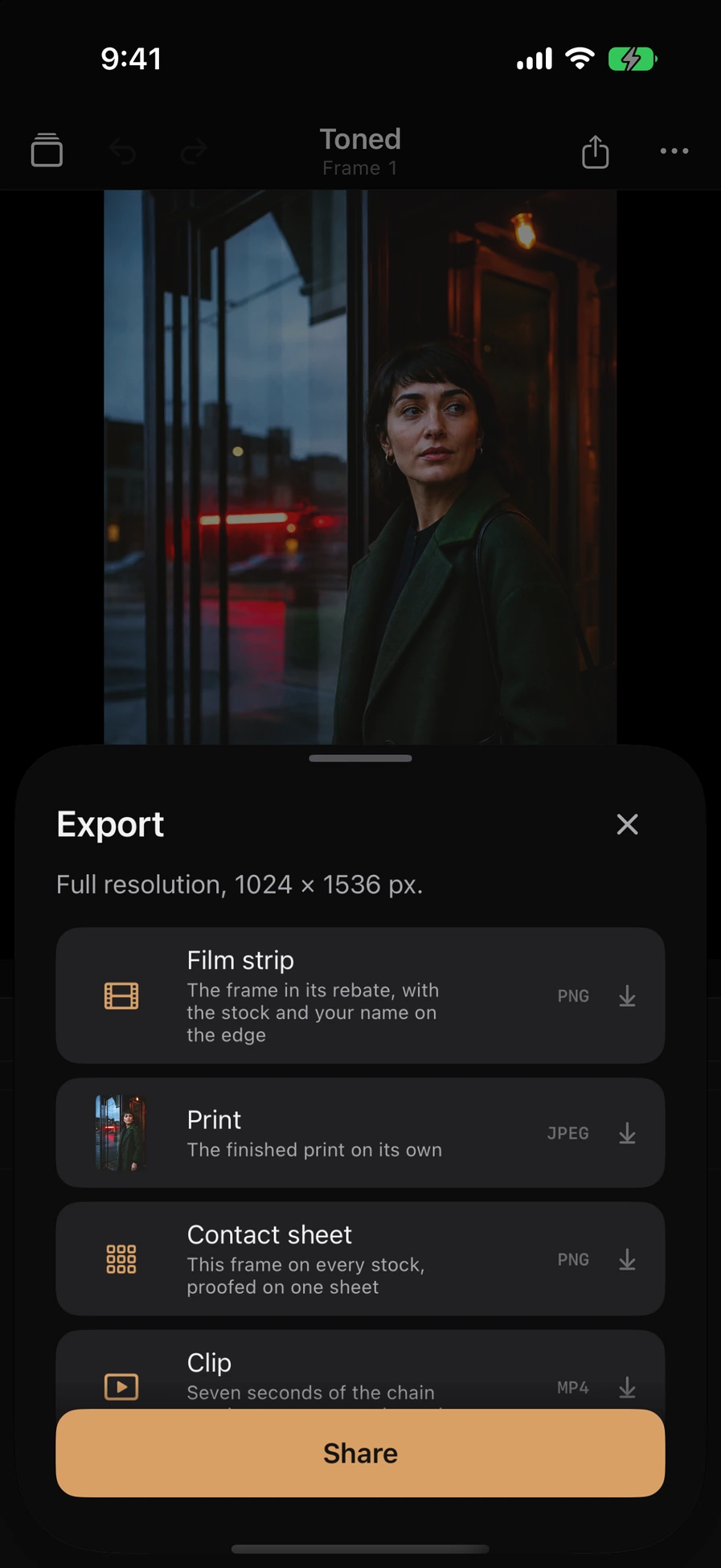
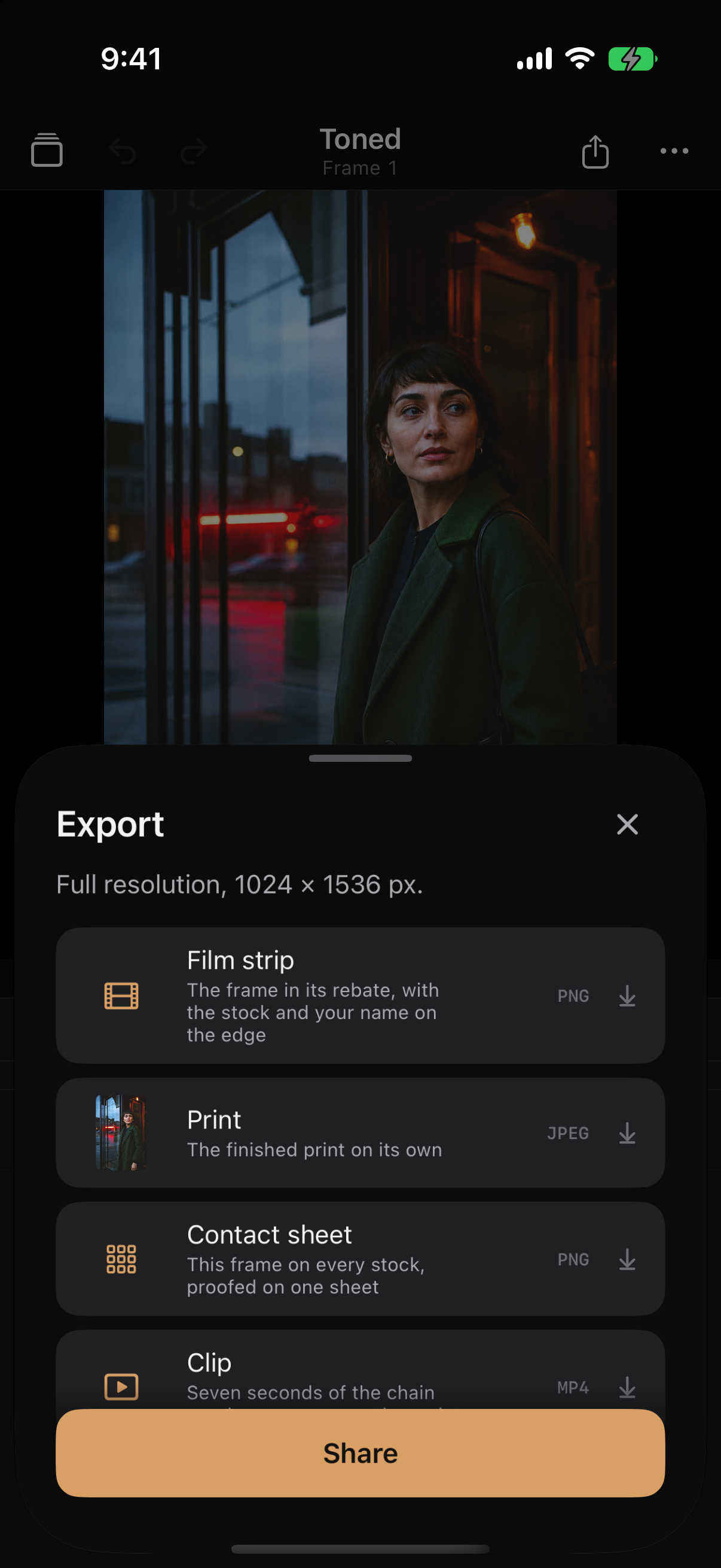
The Export sheet offers Film strip, Print, Contact sheet and Clip for the example image.
Download screenshotOriginal imageViews from the app on iPhone. Layout and available controls may vary with device and version.
Credits & usage.
Credit artwork to Almost Matter studio and identify the app. Keep icons in their original proportions. A study name does not imply an included preset.
For uses beyond coverage of the app, contact us about permissions and available formats. See the notes in each kit for screenshot context.