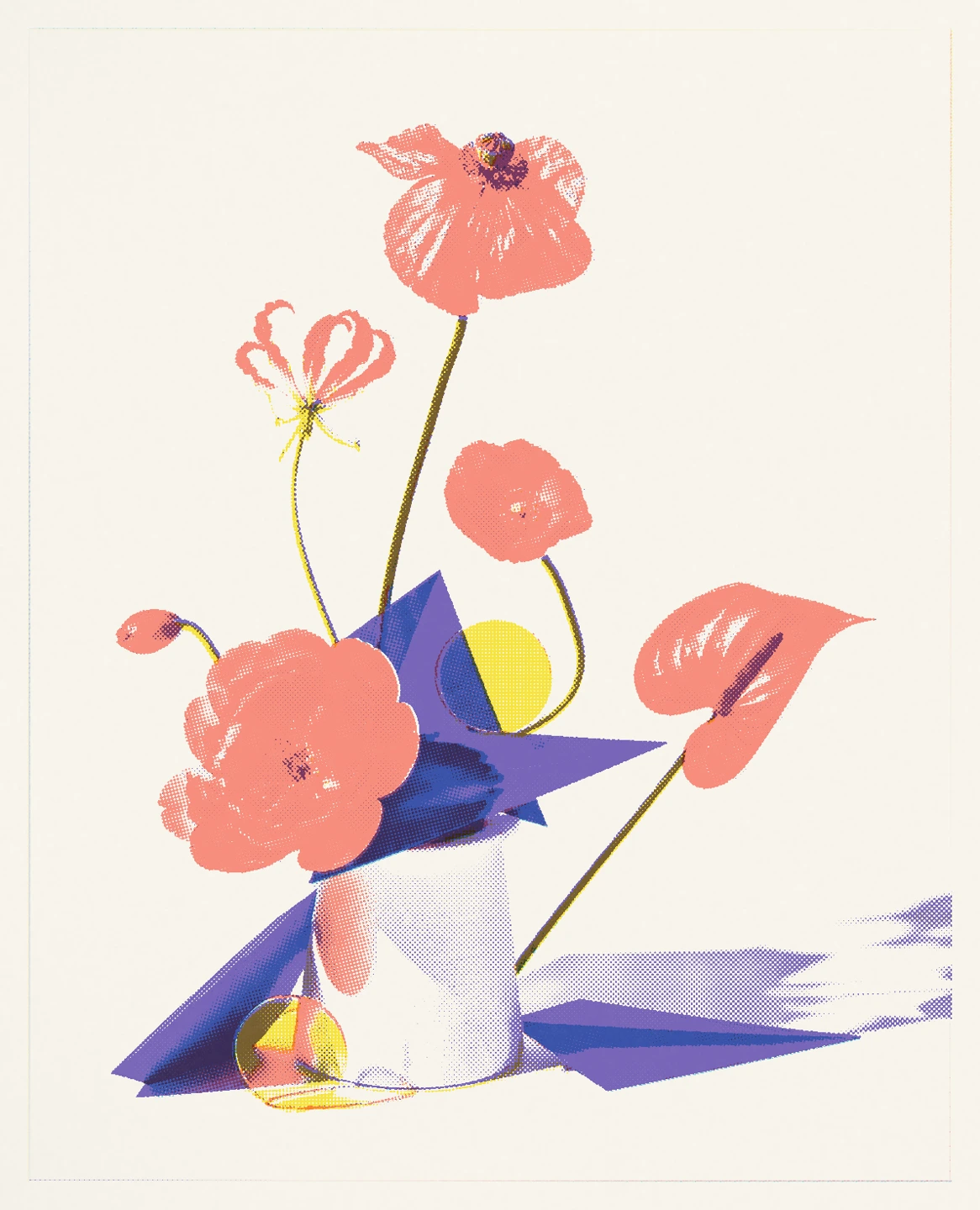
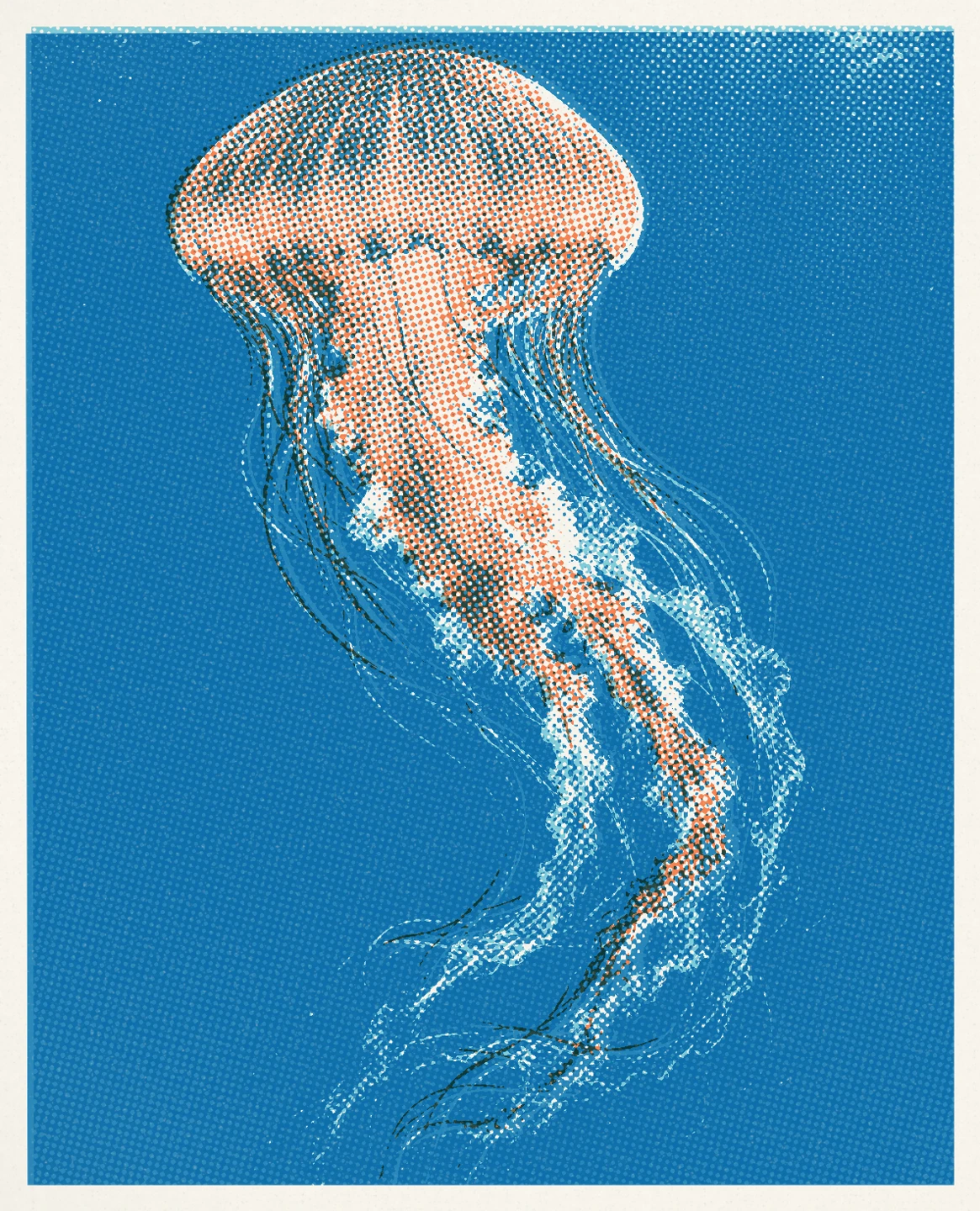
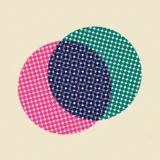
Risograph
Layer a few spot colors into soft overlaps, halftone dots, and expressive ink on paper.
 almost matter
 Pressed
Turn your photos into print art with six distinct styles: Risograph, Photocopy, Linocut, Cyanotype, Screenprint, and Foil. Find a look, then make it yours.
Start with a photo / Six print styles
iPhone, iPad
Requires iOS 18.0 / iPadOS 18.0.
Available on the App Store. Use the App Store link to check availability for your country and device.
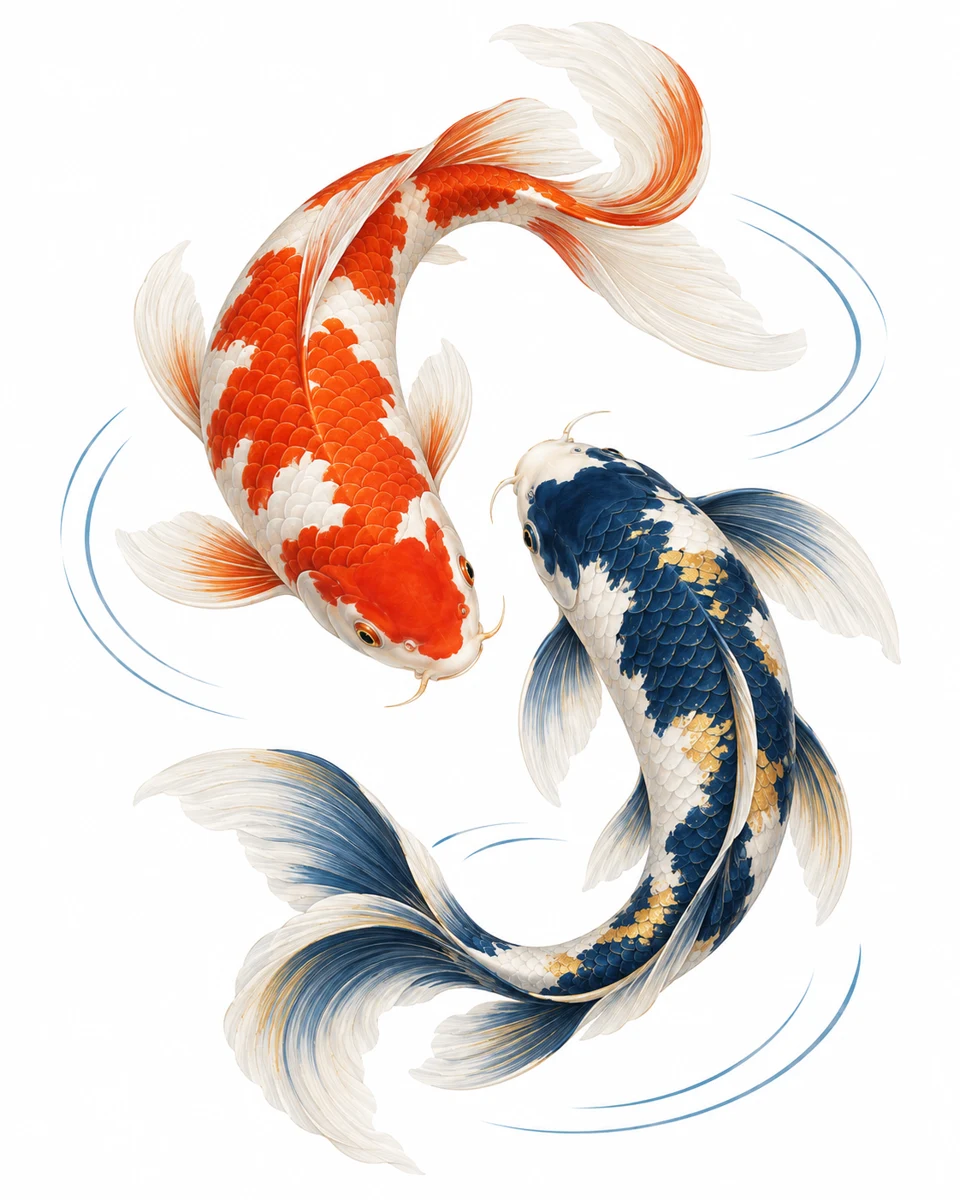
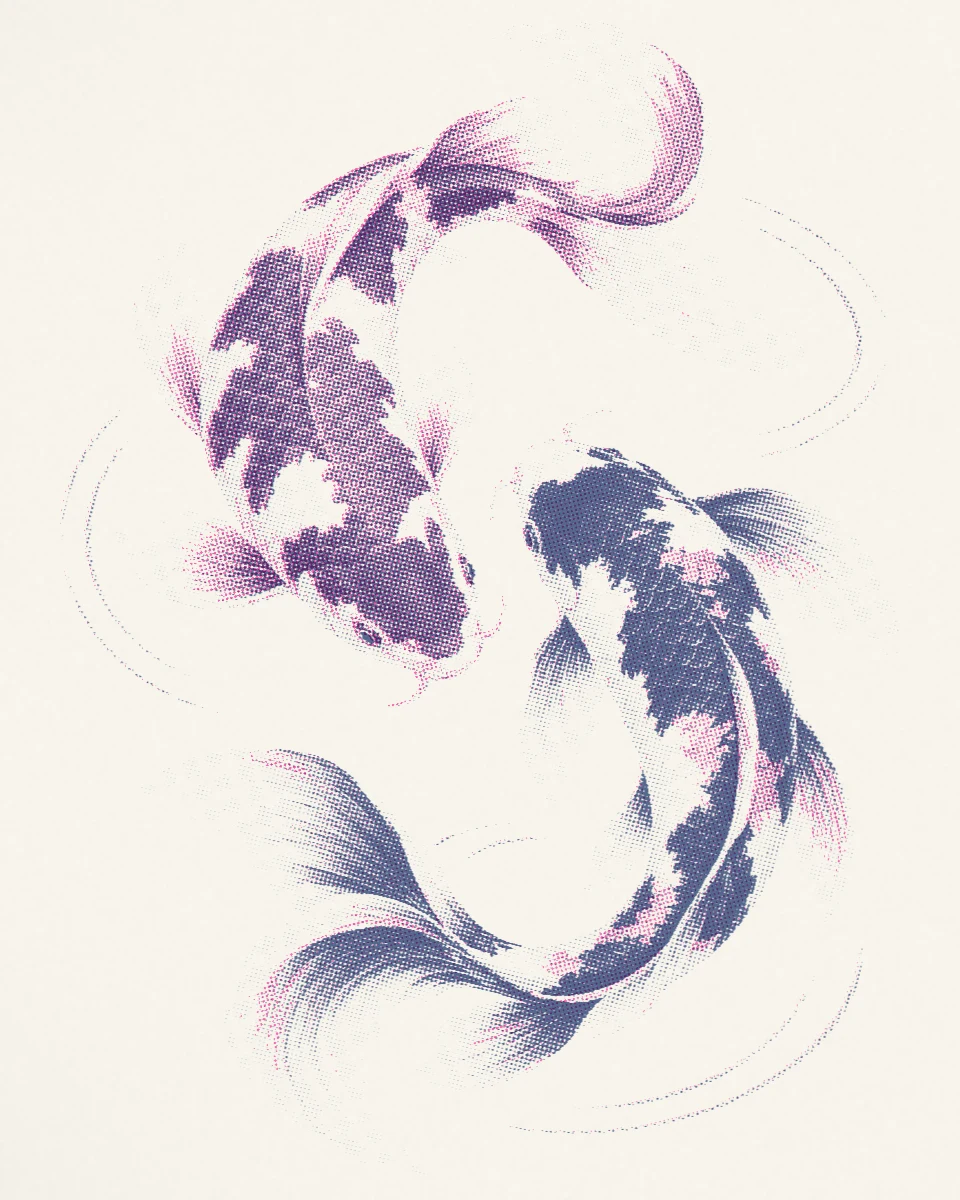
Pink & Blue / Print
One photo, six directions
The same portrait, made with each process in Pressed. Choose a finish and make it your own.
Layer a few spot colors into soft overlaps, halftone dots, and expressive ink on paper.
Give a portrait the bold contrast, worn toner, and grain of a photocopied zine.
Shape light and shadow with carved lines, graphic marks, and textured ink impressions.
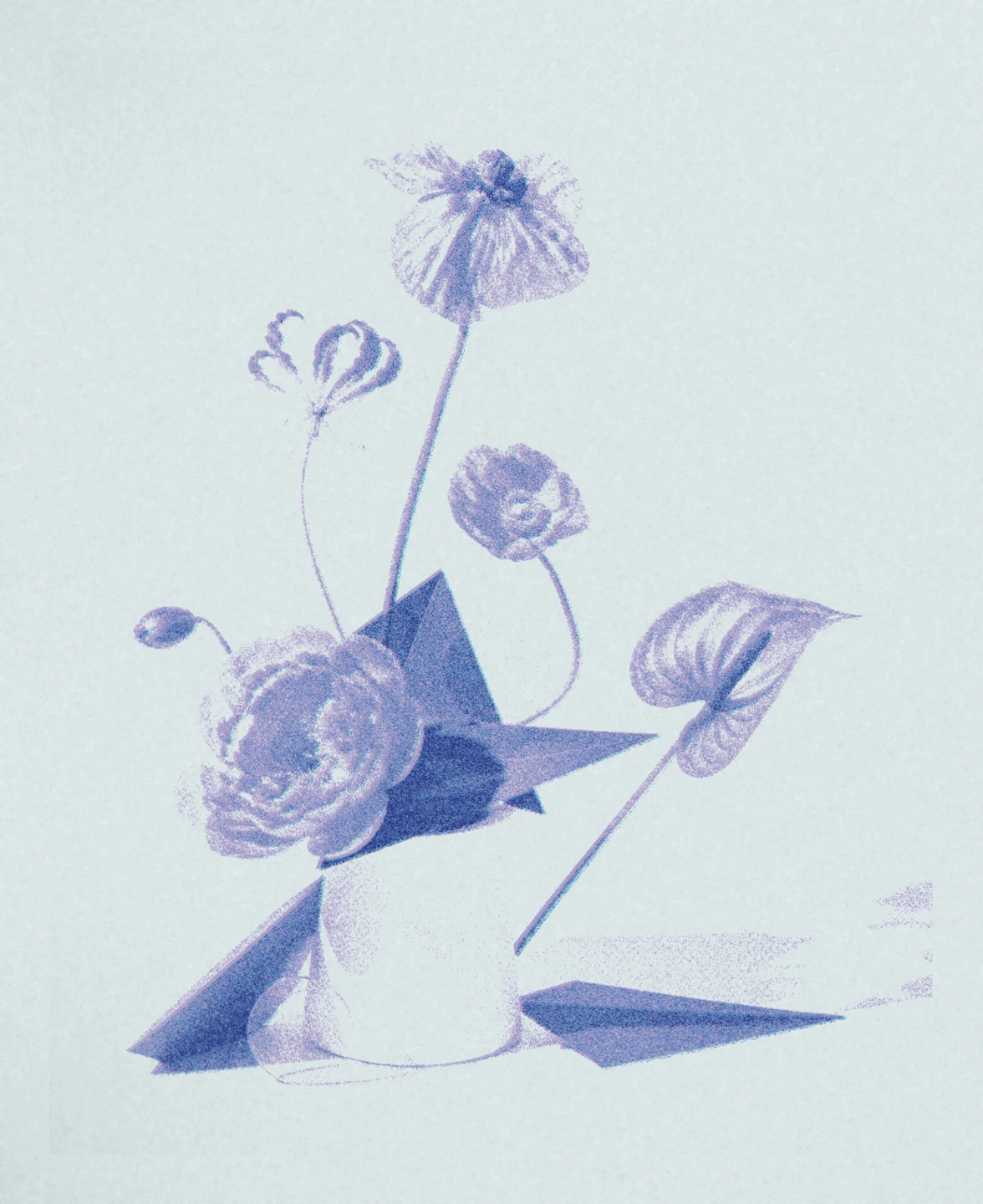
Turn a favorite image into deep blue, washed highlights, and brush-coated edges.
Build a bold poster from separated colors, rich ink coverage, and a hand-pulled look.
Explore metallic and holographic finishes. Tilt your phone to move the light in the preview.
Foil responds to tilt in the app. These examples and image exports show a still light position. Explore every style for free; selected presets and advanced exports require Plus.
24 seconds of creative possibility
Turn a favorite photo into bold color, inky texture, and a sticker with personality. Find a look you love, then make it your own.
Try PressedA portrait becomes a series of colorful prints. Close-up halftone details lead into ink choices, a dog sticker, and a collection of finished artwork. Music accompanies the film; there is no spoken narration. Some tools and looks require Pressed Plus.
From first look to finished artwork
A place to begin
Open a photo and switch between Risograph, Photocopy, Linocut, Cyanotype, Screenprint, and Foil. Start with a preset or explore variations with Quick Press.
Choose colors or materials, refine the process, and adjust the paper and frame. Compare with your original and revisit changes with undo and redo.
Export a JPEG or PNG to Photos or Files. Keep a favorite recipe for another image. Plus adds transparent stickers in every style and larger image exports.
A Screenprint portrait in the editor, with style selection, presets, and Quick Press.
The Foil editor shows a holographic portrait and material presets.
The image export sheet offers format options, Save to Photos, and Share Image.
iPhone interface captures from the six-style release campaign. Layout can vary by device and version. Foil is shown at a still light position.
Before you begin
Explore all six styles for free. Export free presets without a watermark, up to 4096 pixels on the long edge, and keep one saved press. Pressed Plus is a one-time purchase for every preset’s exports, custom ink exports, unlimited saved presses, transparent stickers in every style, and images up to 6000 pixels. Risograph also offers per-ink PDF separations, Press Set packages, and Press Run video. No subscription. The app shows the current price before purchase.
Purchases belong to each app. Prices and offers appear in the App Store and inside the app.
Purchase & restore helpThe possibilities
Explore Risograph, Photocopy, Linocut, Cyanotype, Screenprint, and Foil on iPhone and iPad. Each has distinct presets and settings; free presets can be exported without a watermark.
Foil reacts to device tilt in the app preview. A JPEG or PNG export is a still image using the selected light position.
Photo editing happens on your device, without an account or photo uploads to our servers. Optional news and offers use a notification service. Saving or sharing an export sends it only to the destination you choose.
The website gallery focuses on Risograph presets and Quick Press looks. It is not the complete six-style library. Explore the app for the presets in Photocopy, Linocut, Cyanotype, Screenprint, and Foil. Each gallery page identifies its Free or Plus access.
Explore all six styles for free. Export free presets without a watermark, up to 4096 pixels on the long edge, and keep one saved press. Pressed Plus is a one-time purchase for every preset’s exports, custom ink exports, unlimited saved presses, transparent stickers in every style, and images up to 6000 pixels. Risograph also offers per-ink PDF separations, Press Set packages, and Press Run video. No subscription. The app shows the current price before purchase.
Every style exports JPEG or PNG. Free preset exports reach up to 4096 pixels on the long edge; Plus reaches up to 6000 pixels and adds transparent PNG stickers. Available sizes depend on the source image. Risograph also supports per-ink PDF separations with Plus.
The Almost Matter family