
Support / Pressed
Pressed
help.
Your pocket print studio.
Common questions
A useful place to start.
How do I bring a photo into Pressed?
Tap Choose a Photo and select an image from Photos. For a picture stored in Files, save a copy to Photos first. The image picker and .pressed recipe sharing are separate workflows.
Which image formats and sizes can I export?
Every style exports JPEG or PNG. Free preset exports reach up to 4096 pixels on the long edge; Plus reaches up to 6000 pixels and adds transparent PNG stickers. Available sizes depend on the source image. Risograph also supports per-ink PDF separations with Plus.
What should I do if Save to Photos fails?
Use Open Settings in the export message and allow Pressed to add photos, then return and try Save to Photos again. You can also use Share Image to choose another destination, including Files.
What does Pressed Plus unlock?
Explore all six styles for free. Export free presets without a watermark, up to 4096 pixels on the long edge, and keep one saved press. Pressed Plus is a one-time purchase for every preset’s exports, custom ink exports, unlimited saved presses, transparent stickers in every style, and images up to 6000 pixels. Risograph also offers per-ink PDF separations, Press Set packages, and Press Run video. No subscription. The app shows the current price before purchase.
How do I restore Pressed Plus?
Open Settings in Pressed and choose Restore Purchases while signed in to the Apple Account used to buy it. If the purchase does not return, check your connection and account, then try again. Purchases in Toned or InkWaltz do not unlock Pressed Plus.
How do I use a Pressed look in InkWaltz?
Use Save Press, open Saved Presses, and share the .pressed file. In InkWaltz, choose a video, then open All presses and Import a press. The file carries ink and paper settings; photo-specific masks, plate edits, and sticker cutouts stay in Pressed. The apps have separate Plus purchases. Imported looks can be previewed in InkWaltz for free; most need InkWaltz Plus to export.
Can I use the separation PDF for physical printing?
For Risograph, Pressed Plus can make a multipage PDF with one grayscale page per ink and crop and registration marks. Before printing, agree the page size, screening, marks, file format, and imposition with your receiving printer. The other styles export finished images rather than per-ink separation PDFs.
Does the Foil effect move in exported images?
Foil reacts to device tilt in the app preview. A JPEG or PNG export is a still image using the selected light position.
Explore the process
A little further into the image.
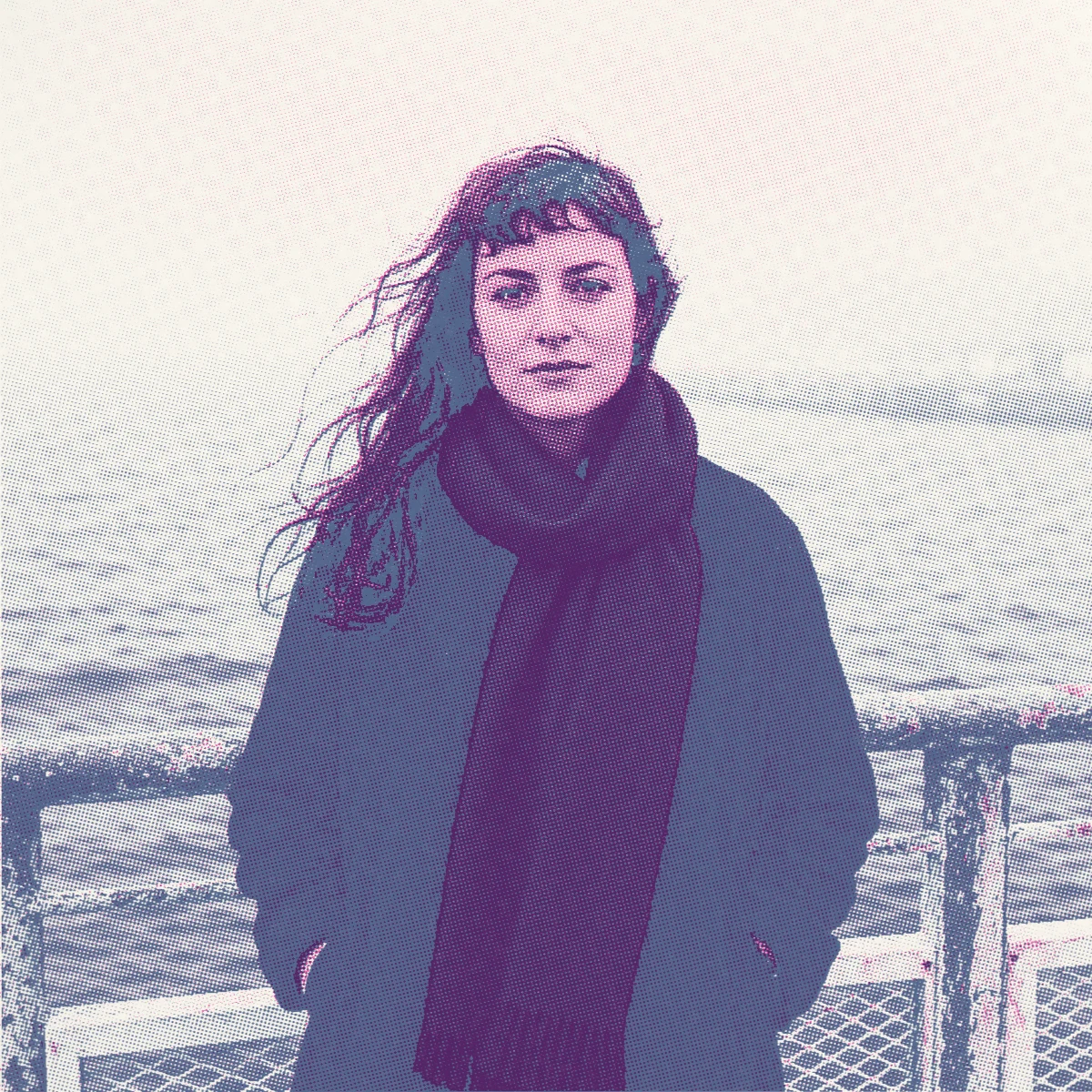
Guide / Pressed
How to create a risograph effect on iPhone
Turn one image into a print. Compare two real presets and follow the steps in Pressed.
Read the story ↗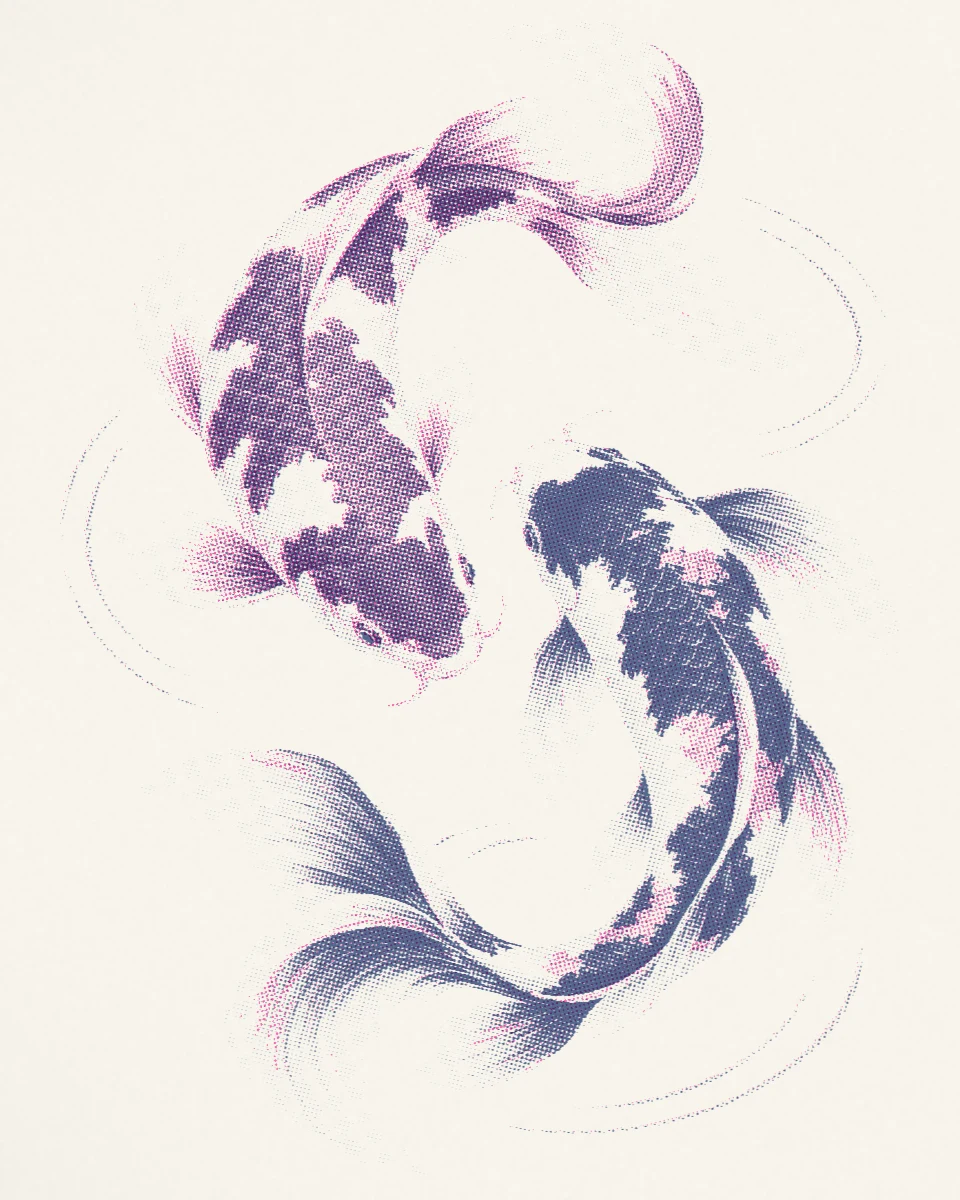
Guide / Pressed
Make the grainy two-color print look
Explore overlapping pink and blue, visible dots, paper texture, and offset ink edges.
Read the story ↗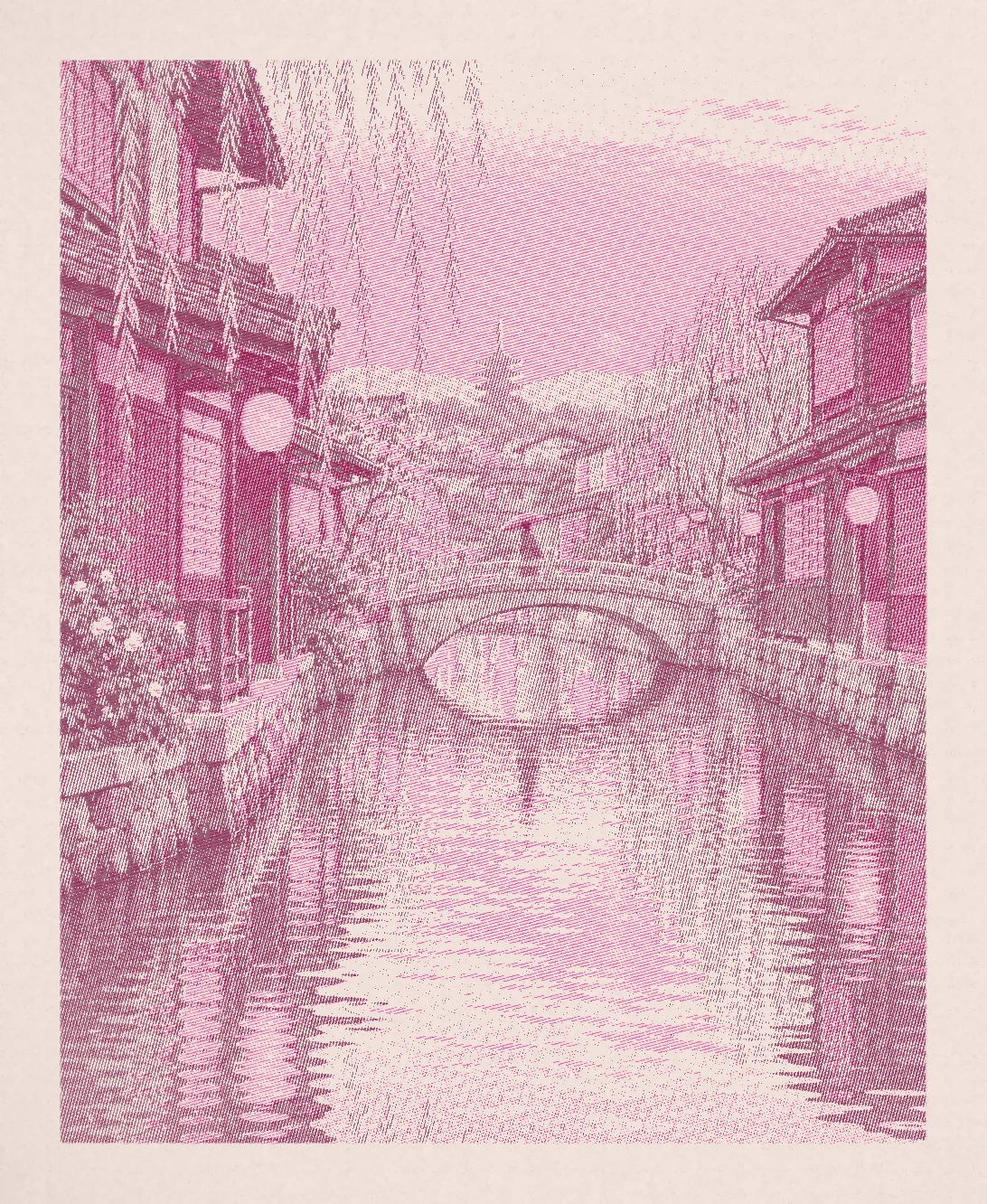
Process / Pressed
Make a consistent photo series for a zine
Use one palette across three images, then take the artwork into your zine layout.
Read the story ↗A question of your own
Let’s take a look.
Include your device, app version, and the step you were trying to complete.