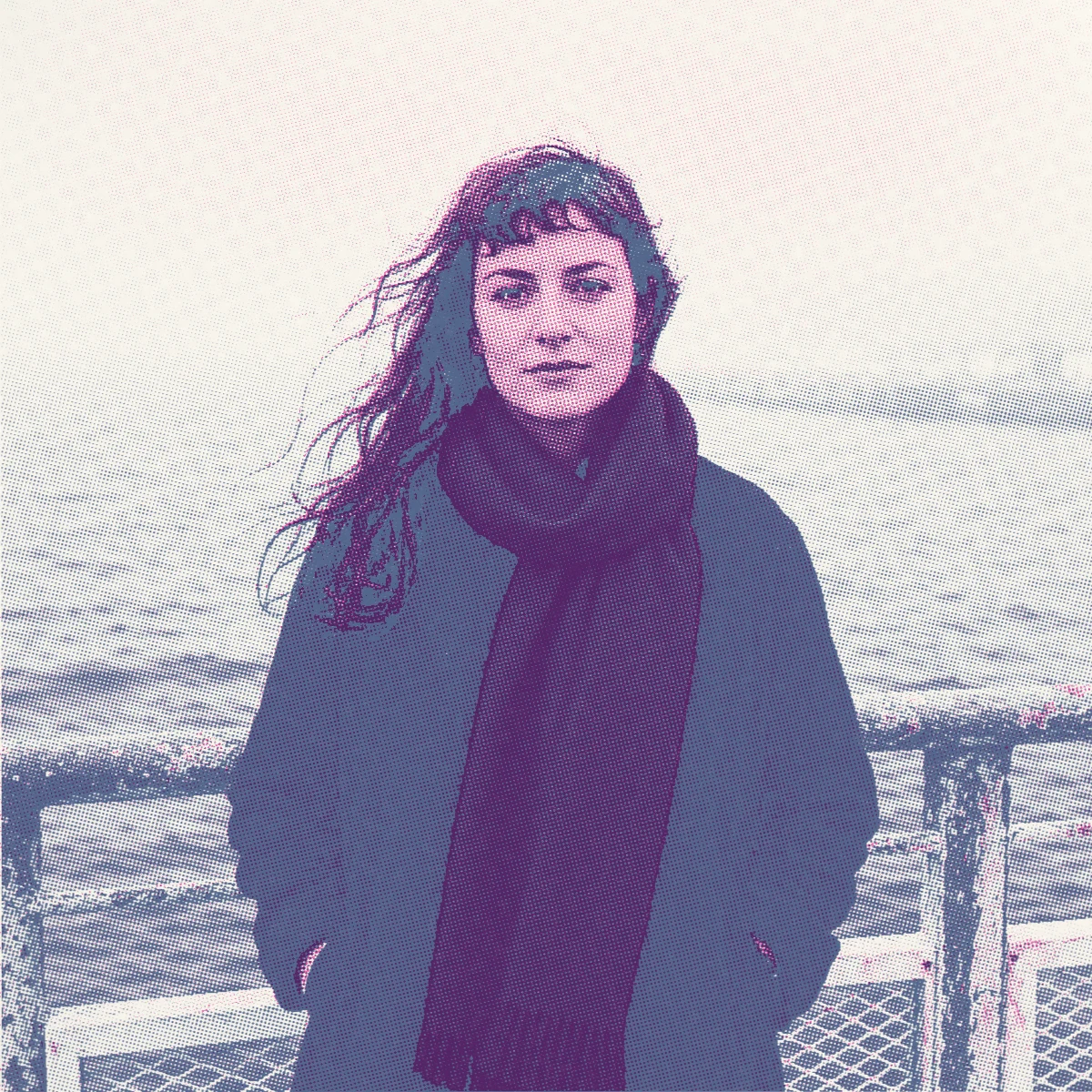
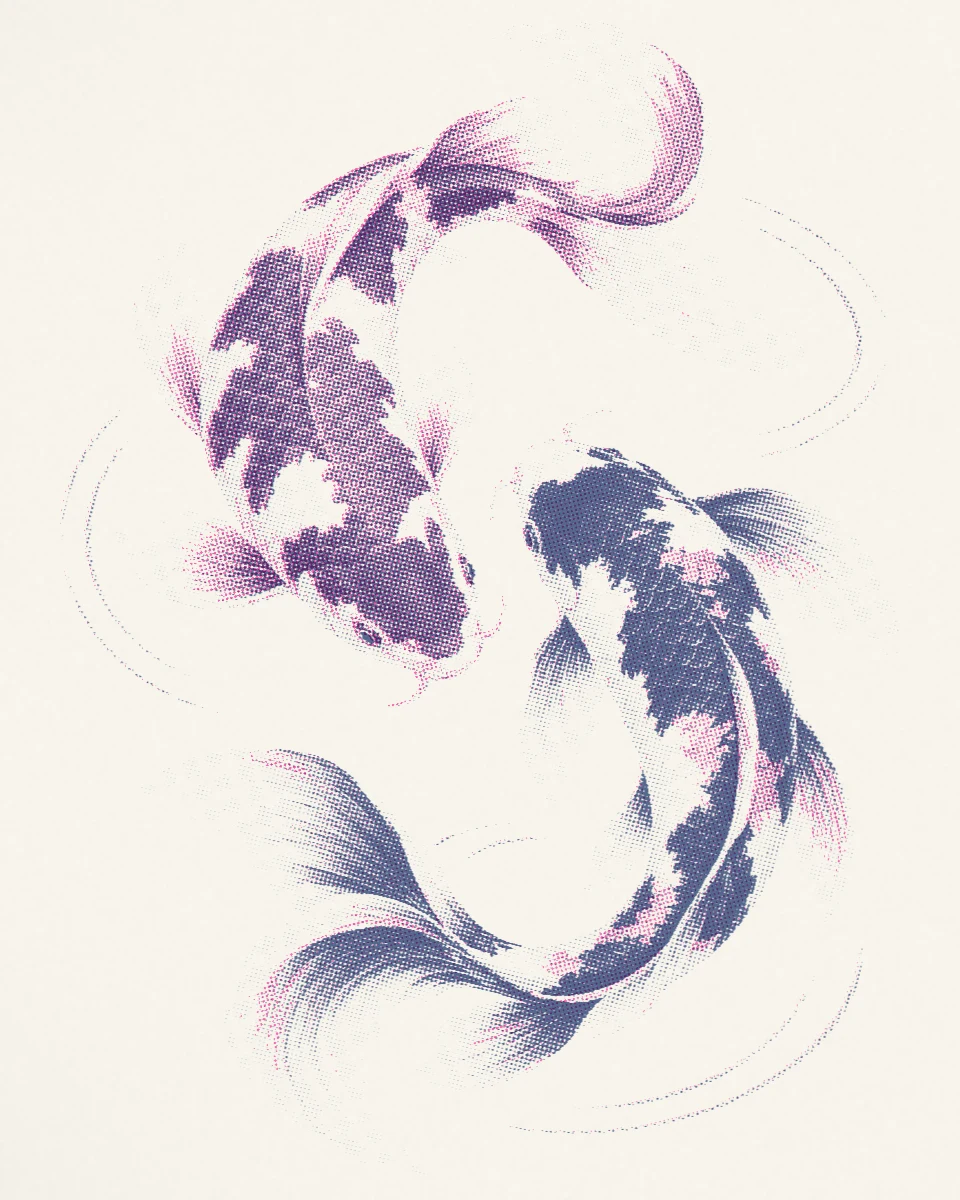
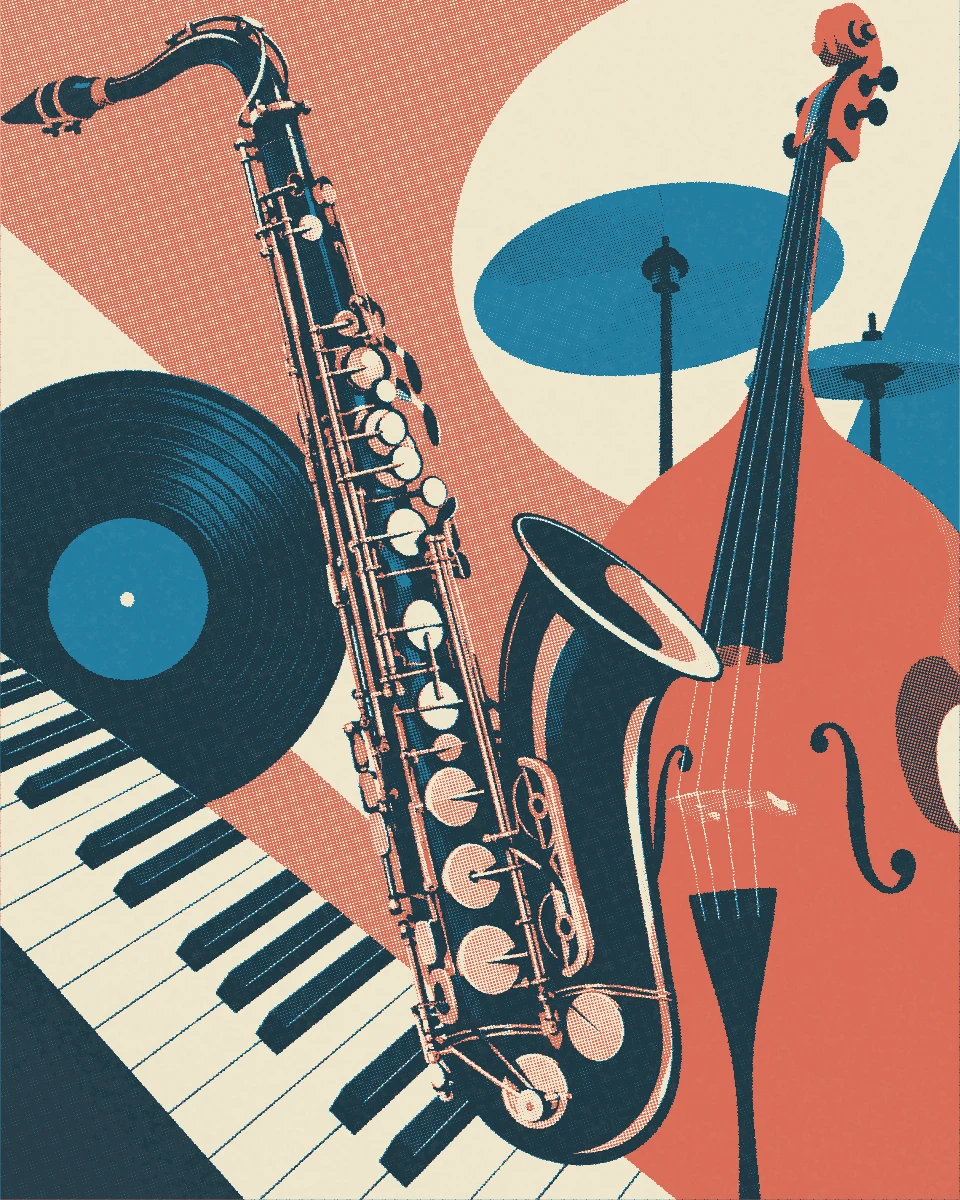
01 / Process
Choose the images together
Start with three photos or illustrations you want to sit beside each other. They can share a subject, a place, or simply a mood. Look for a clear subject and enough difference between light and shadow to survive a limited palette.
Pressed creates the individual images. Arrange your pages, text, margins, and final zine in your layout tool afterward.
02 / Process
Give the series one palette
Keep the same inks and paper across the set. Rosewater Letter is a free preset in Pressed 2.1.1: Fluoro Pink and Burgundy on Blush paper, with line screens at 15° and 75°. These three coastal illustrations use the preset exactly as supplied.
Use Source and Print to compare each illustration. Notice how the repeated pink, burgundy, and paper color connect the scenes. The same process works with a series of photographs.
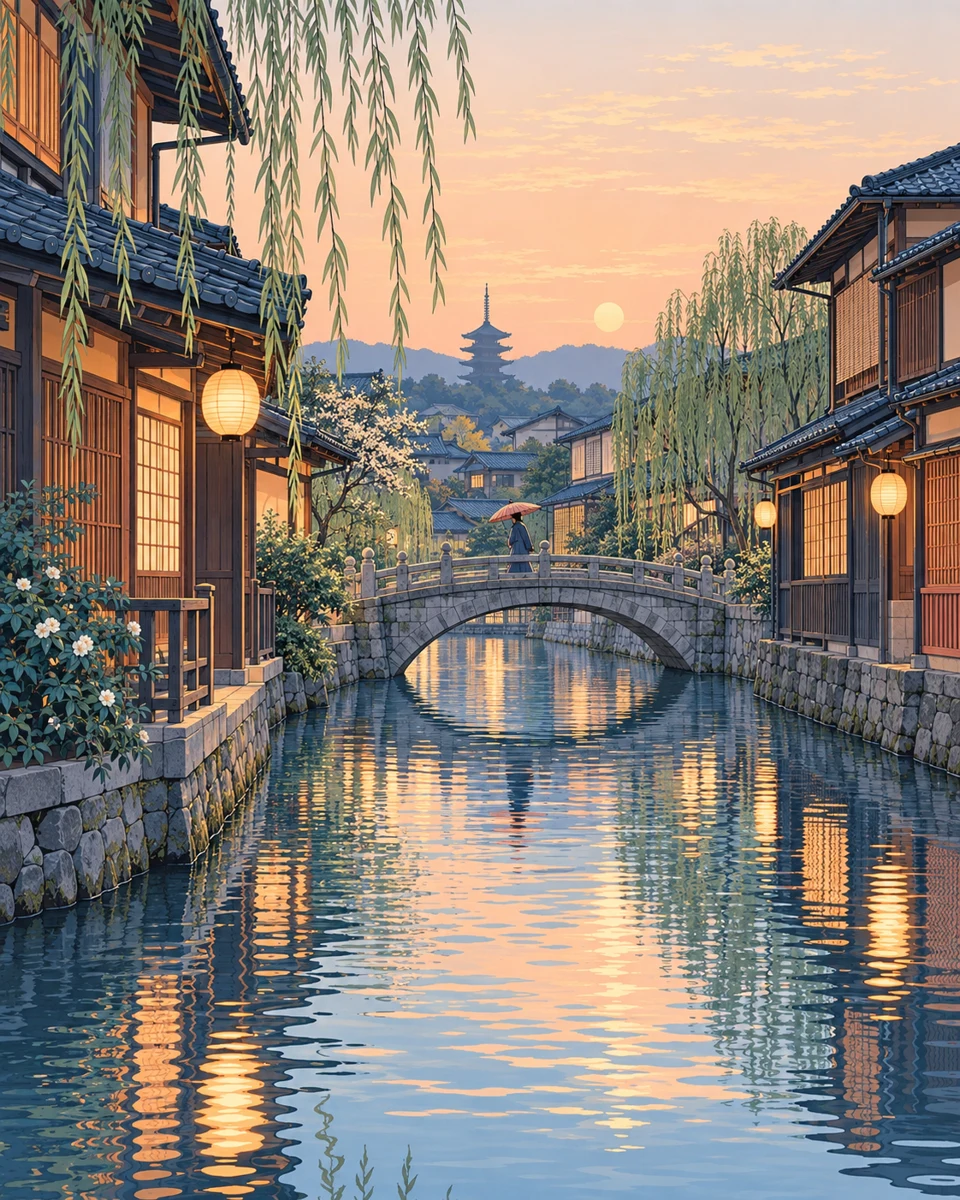
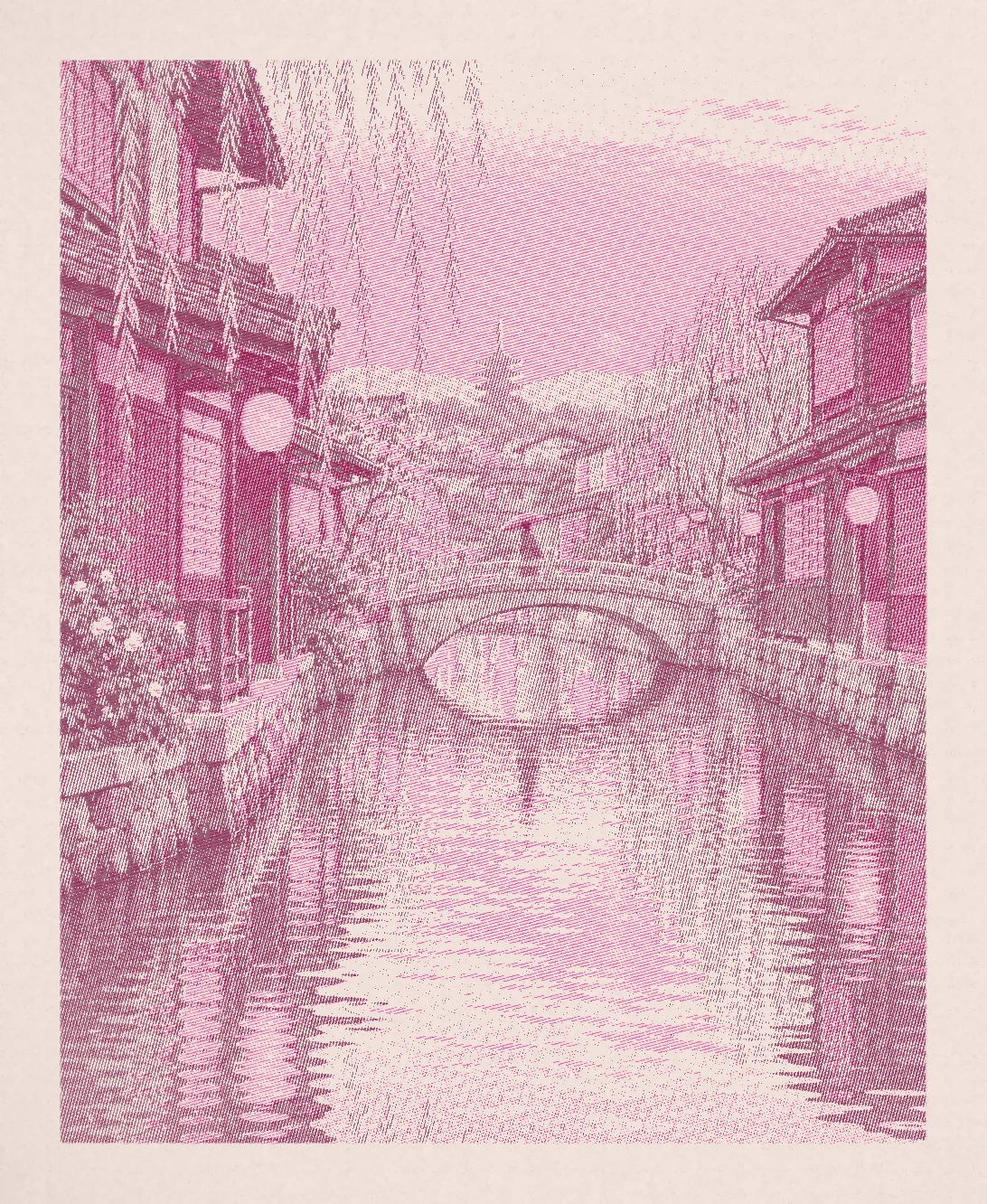
Evening canal / Print
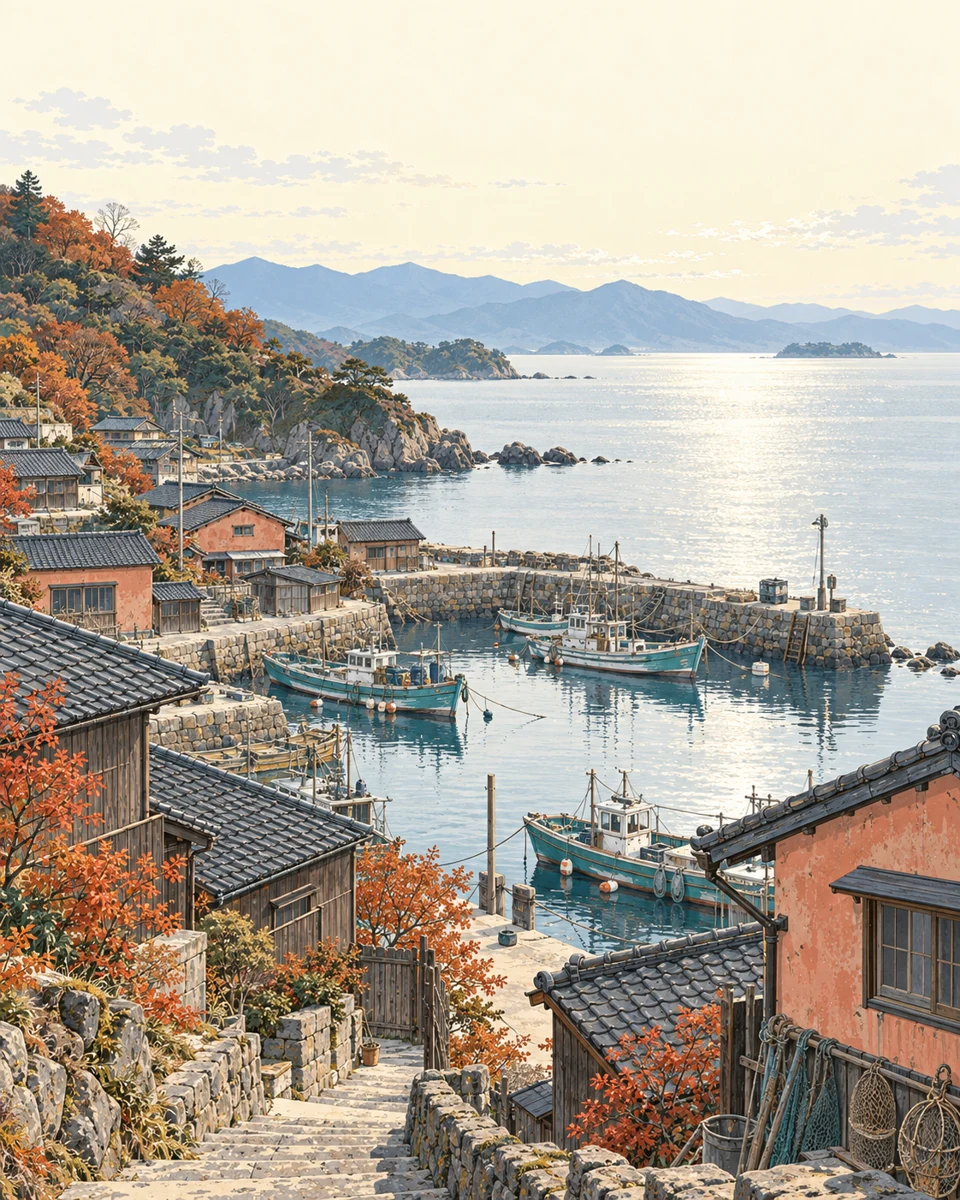
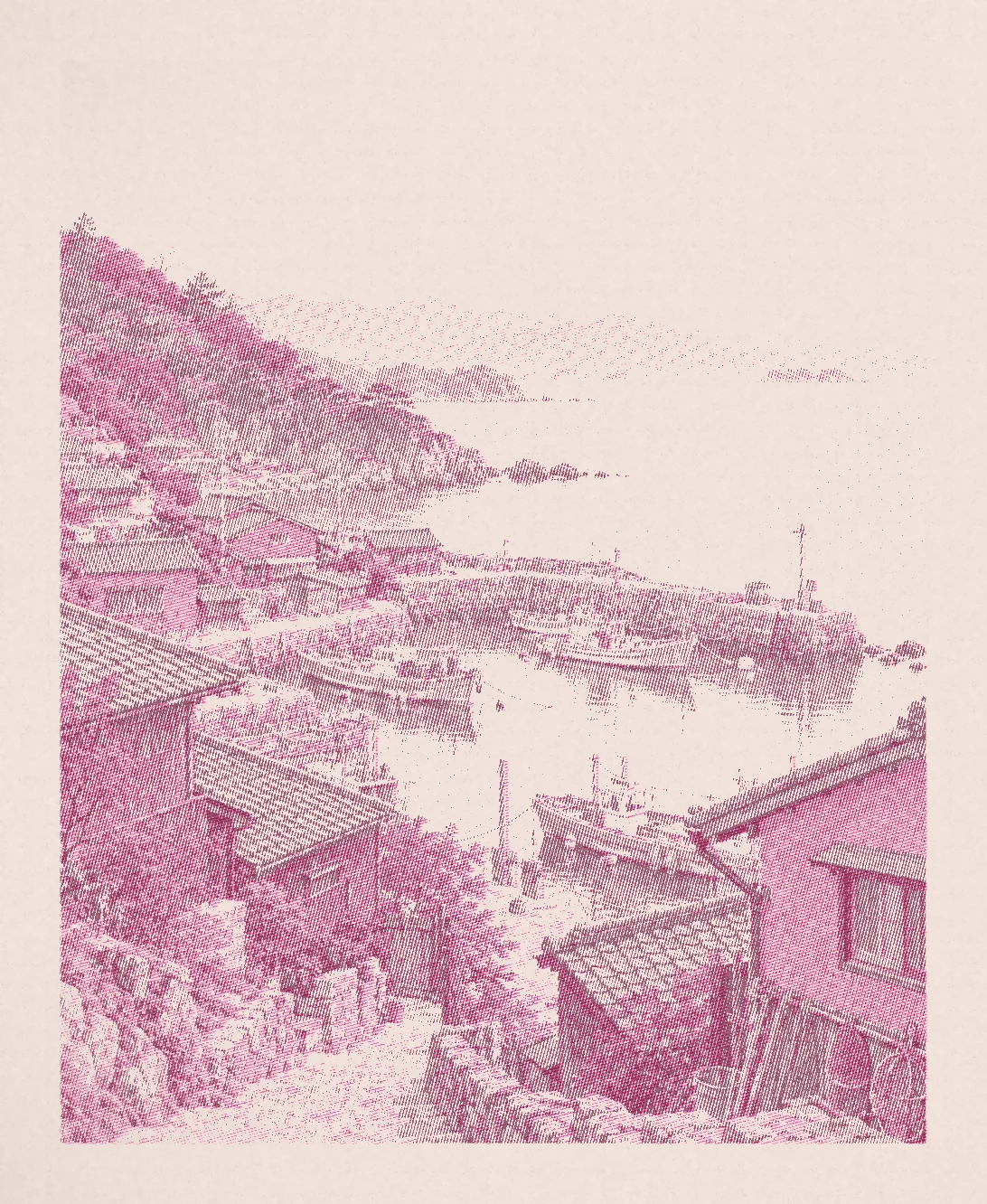
Autumn fishing village / Print
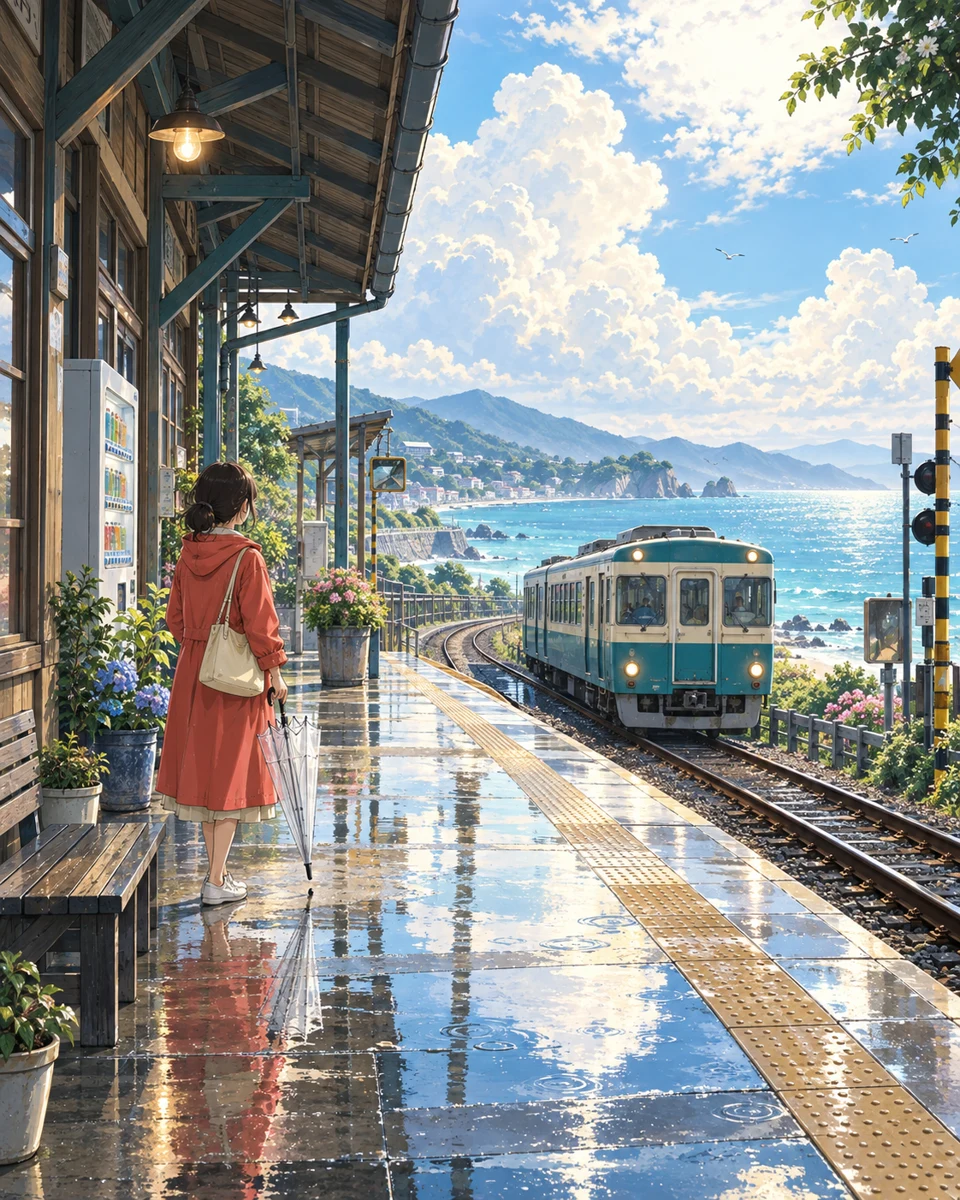
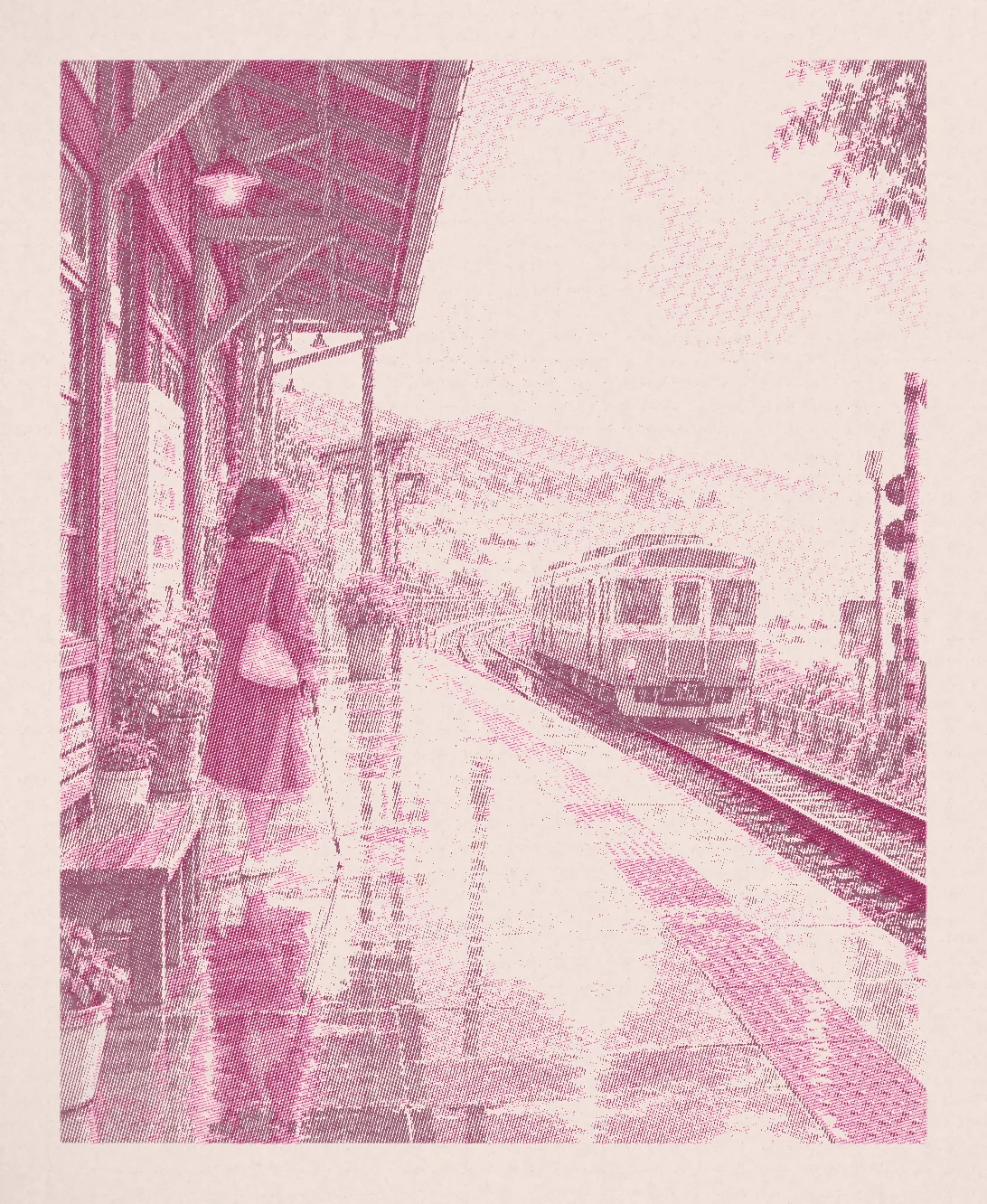
After the rain / Print
The palette
- Fluoro Pink
- Burgundy
- Inks
- 2
- Paper
- Blush
- Mark
- Line
- Separation
- Color
Screen angles: Fluoro Pink 15°, Burgundy 75°.
Rosewater Letter recipe & examples03 / Process
Save the press and reuse it
In Pressed, choose an image from Photos and select Rosewater Letter. Use the same preset for each image, or use Save Press to keep any screen and paper adjustments you want to repeat.
Keep the palette, screen pattern, and paper steady. Adjust only what an individual image needs for the subject to remain readable. Free users can keep one saved press; Plus adds custom inks and unlimited saved presses.
04 / Process
Compare the series at its final size
Export the images as JPEG or PNG and place them side by side in your layout. Check the lightest areas, the darkest areas, and whether fine marks remain visible at the size you plan to use.
A shared recipe gives the series a common language. Different source images still produce different balances of ink, so judge the collection together before finishing.
05 / Process
Prepare the artwork for its destination
For a digital zine, choose the image dimensions your layout needs. For a physical edition, ask the receiving printer about image size, screening, color, margins, and file format.
Pressed Plus offers separate grayscale ink pages in a multipage PDF. That is a different output from a composite image; agree the printing workflow with the studio before supplying separations.